How to deploy FastAPI on Vercel and set up the sample repo — handy if you’re new to Vercel or looking for a host for a small API. The free tier is generous for side projects.
What you’ll learn
- End-to-end FastAPI on Vercel
- uv for a local virtual environment
- Vercel CLI:
vercel dev,vercel,vercel --prod - Running pytest
- api/ layout and requirements.txt placement
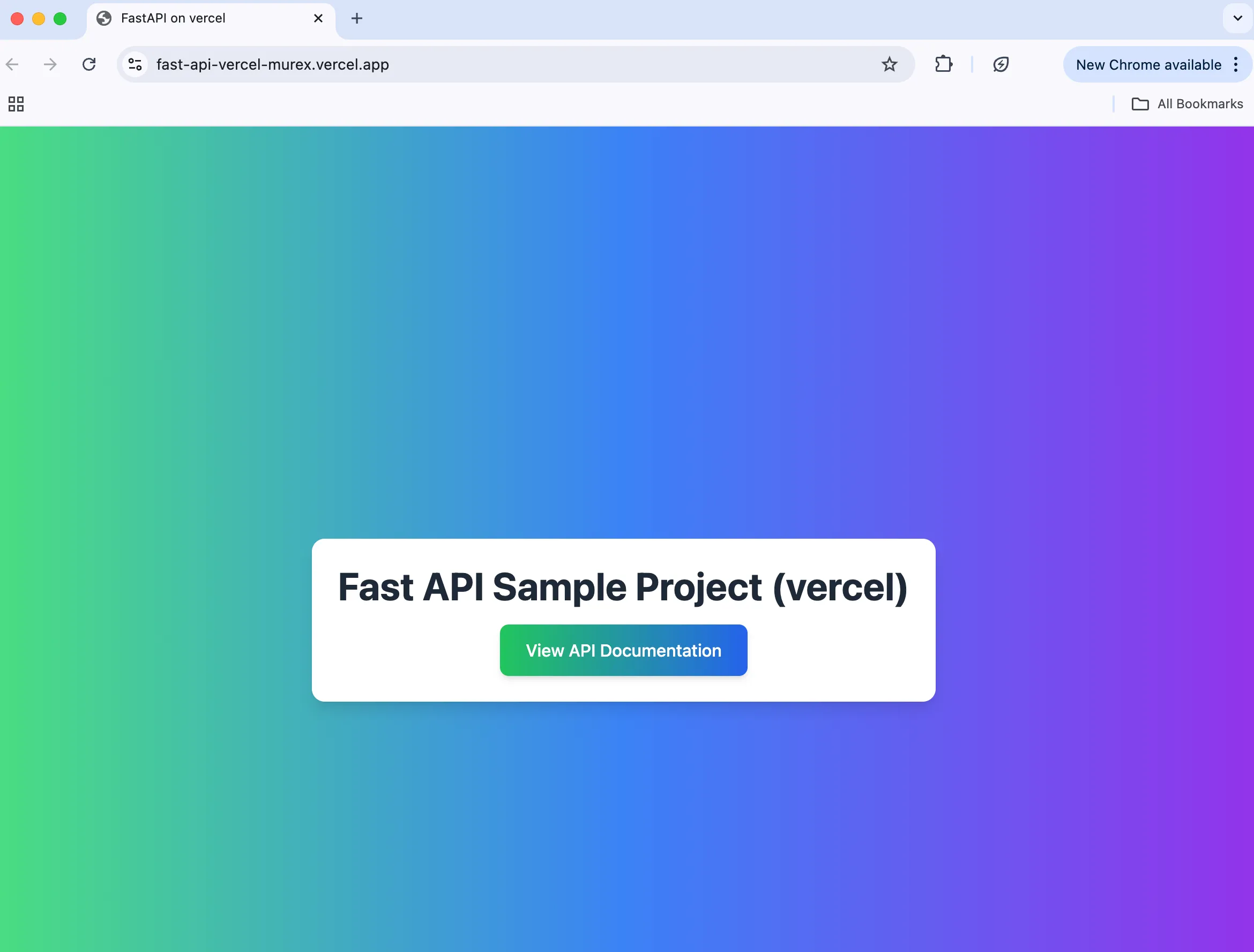
Demo / template
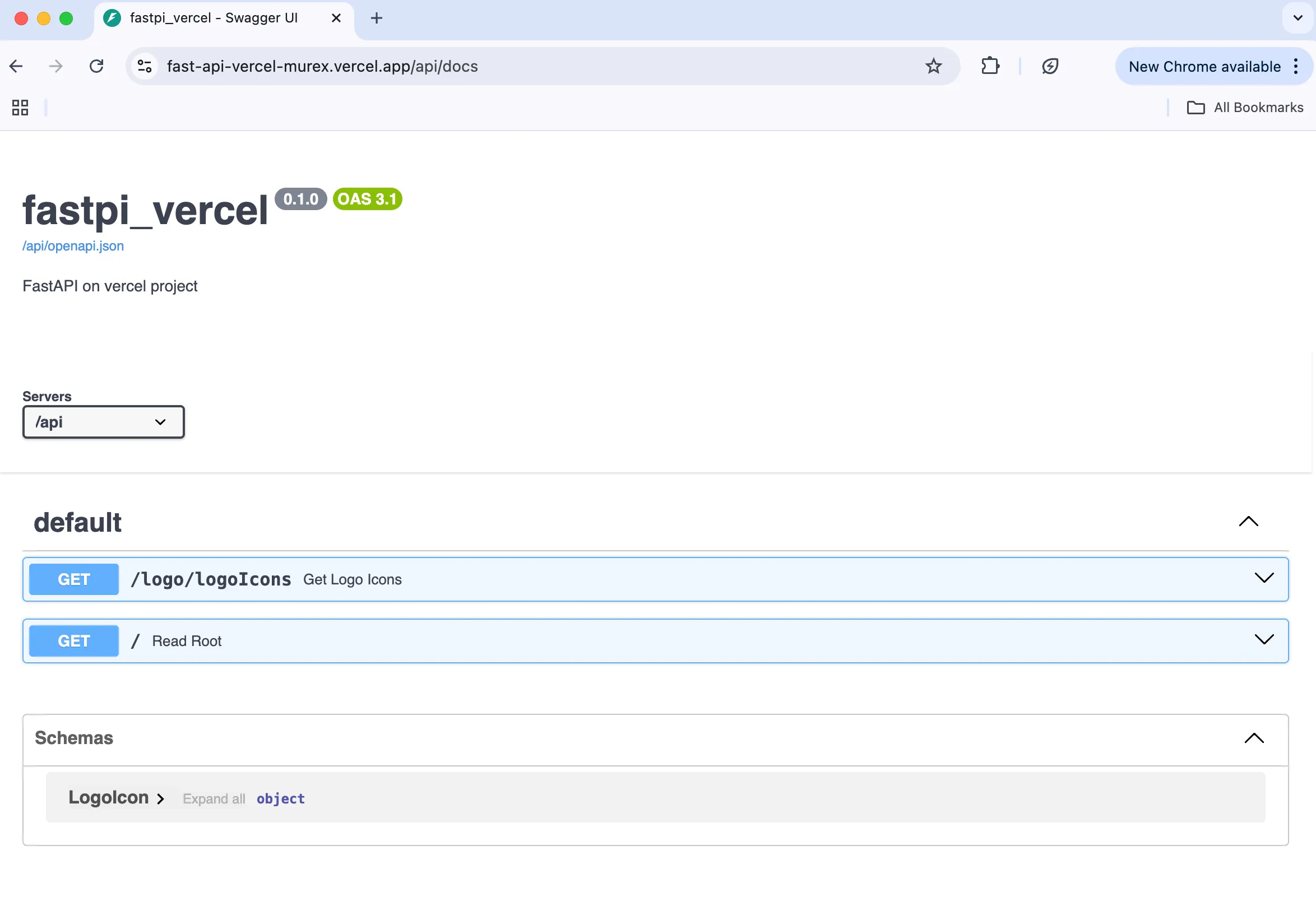
Live sample:
You can also deploy from Vercel’s template:
You’ll need Git connected to Vercel.
Environment
- macOS Sequoia 15.5
- VS Code
- zsh 5.9 (arm64-apple-darwin24.0)
Prerequisites
Important for FastAPI on Vercel
Put serverless API code under
api/, not the repo root — root placement didn’t work reliably for me.
requirements.txt must live at the project root or installs fail.
Local setup
1. Clone
git clone https://github.com/testkun08080/FastAPI-vercel.git
cd FastAPI-vercel
2. Virtual environment
uv venv -p 3.12
uv pip install -r requirements.txt
3. Run the app
uv run -m api.app.mainOpen the local URL in a browser to verify.
Tests
1. Test dependencies
uv pip install -r requirements_test.txt2. Pytest
uv run pytest --html=report.html --self-contained-html --log-level=INFOVercel CLI: dev → preview → production
Local dev (Vercel-like)
vercel devPreview deploy
vercelProduction deploy
vercel --prodSummary
- FastAPI deploys cleanly on Vercel with uv + Vercel CLI from dev to prod.
api/for code, requirements.txt at repo root worked for me.- Fast to ship for quick public APIs.