How to deploy FastAPI on Vercel with the sample repo below — useful if you’re new to Vercel or need a small public API. Steps after the demo section follow what worked in this repo; constraints are cross-checked against Vercel’s FastAPI / Python docs as of 2026-07-19.
What you’ll learn
- End-to-end FastAPI on Vercel (official entrypoints + this sample’s layout)
- uv for a local virtual environment
- Vercel CLI:
vercel dev,vercel,vercel --prod - Running pytest
- Where
requirements.txt/appneed to live per current docs
Demo / template
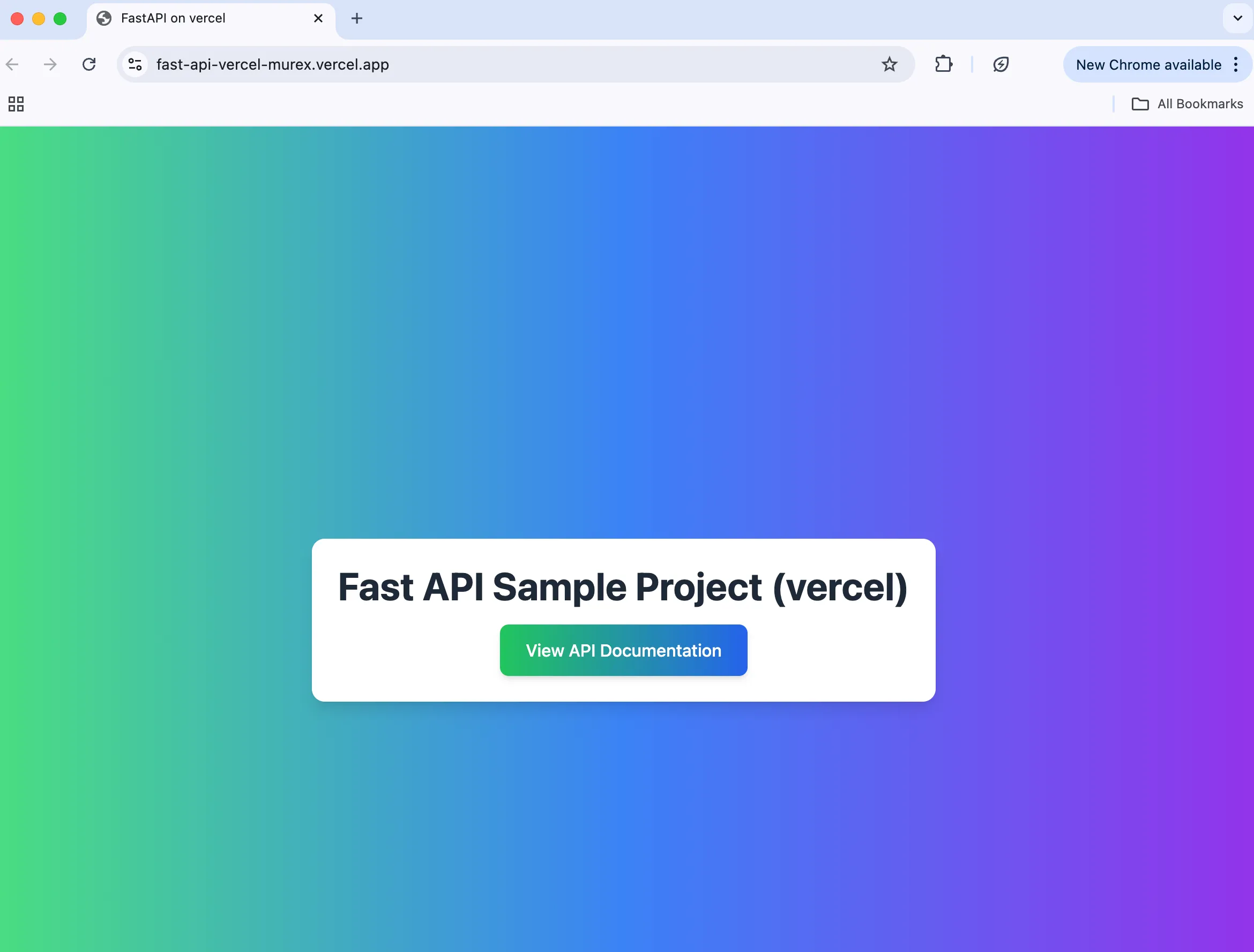
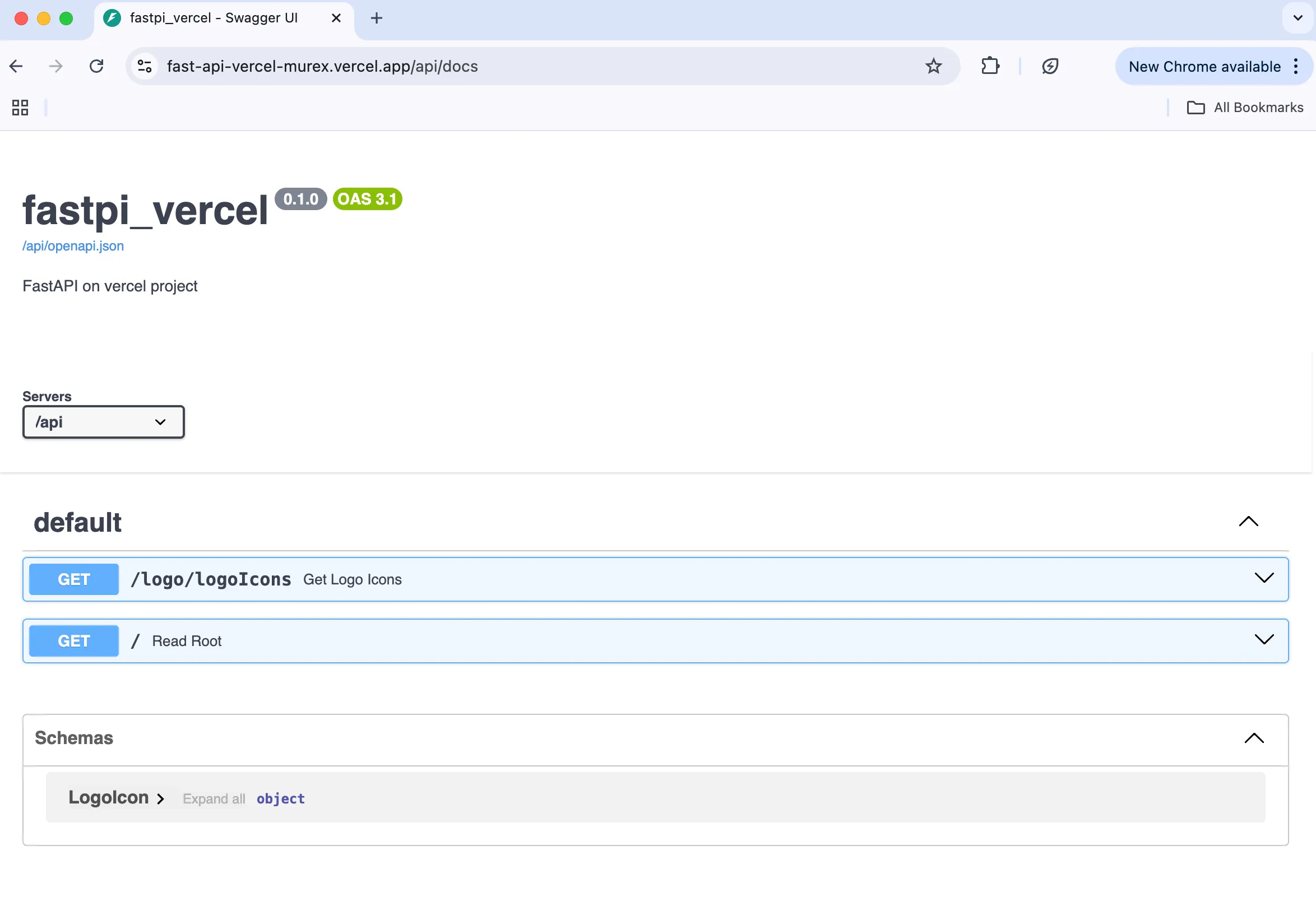
Live sample:
You can also deploy from Vercel’s import of this repo:
You’ll need Git connected to Vercel.
Official zero-config starters also exist via vercel init fastapi and Vercel’s FastAPI templates (KB guide).
Environment (author machine)
- macOS Sequoia 15.5
- VS Code
- zsh 5.9 (arm64-apple-darwin24.0)
Prerequisites
- Python 3.12+ for local work. Vercel’s Python runtime (accessed 2026-07-19) supports 3.12 (default), 3.13, and 3.14 — pin with
.python-version,pyproject.toml, orPipfile.lock(Python runtime docs) - uv (install)
- Vercel CLI (install) — FastAPI docs note a minimum CLI version of 48.1.8 for
vercel dev/ deploy flows
Official layout vs this sample
Per Deploy a FastAPI app on Vercel and the Python runtime docs (2026-07-19):
- Export a FastAPI instance named
app - Put it in a supported entrypoint:
app.py/index.py/server.py/main.py/wsgi.py/asgi.pyat the project root, or the same filenames undersrc/,app/, orapi/ - Or set
tool.vercel.entrypointinpyproject.tomlfor a custom module path - Dependencies:
requirements.txt,pyproject.toml, or Pipfile (+ lock) at the project
This sample repo keeps code under api/app/main.py (exports app) and routes everything there via vercel.json:
{
  "routes": [{ "src": "/(.*)", "dest": "api/app/main.py" }],
  "functions": { "api/app/main.py": { "maxDuration": 60 } }
}
That nested path is this repo’s choice, not a Vercel rule that every FastAPI app must live under api/. Root-level main.py / app/main.py / api/index.py are all valid on current docs.
Author note: When I first shipped this sample, putting the app only at the repo root without a matching entrypoint/route failed for me. Prefer a documented entrypoint (or an explicit
vercel.json/tool.vercel.entrypoint) rather than assumingapi/is mandatory.
requirements.txt at the repo root is what this sample uses and what Vercel installs from. Official docs also accept pyproject.toml / Pipfile — root requirements.txt is sufficient, not the only option.
On deploy, FastAPI becomes a single Vercel Function (Fluid compute by default). Bundle size and other Functions limits apply.
Local setup
1. Clone
git clone https://github.com/testkun08080/FastAPI-vercel.git
cd FastAPI-vercel
2. Virtual environment
uv venv -p 3.12
uv pip install -r requirements.txt
3. Run the app
uv run -m api.app.mainOpen the local URL in a browser to verify.
For behavior closer to production, prefer vercel dev (see below) so the same app instance and routing are exercised.
Tests
1. Test dependencies
uv pip install -r requirements_test.txt2. Pytest
uv run pytest --html=report.html --self-contained-html --log-level=INFOVercel CLI: dev → preview → production
Local dev (Vercel-like)
vercel devPreview deploy
vercelProduction deploy
vercel --prodOfficial docs
Summary
- FastAPI deploys on Vercel via the Python runtime when you export
appat a supported entrypoint (or configure one explicitly). - This sample uses
api/app/main.py+vercel.json, uv locally, andrequirements.txtat the repo root — that combo worked for me; it is not the only valid layout. - CLI path
vercel dev→vercel→vercel --prodstill matches current docs for preview and production.
See also: Currency Converter Board — embeddable multi-currency rates (same author).