Introduction
February flew by… Last year was a year of leaning on AI for more than just coding.
I’m neither a pure engineer nor a pure designer — I work as a technical artist: not locked into one side, but doing both design and engineering. I wanted to capture how I’m using these tools heading into next year, and I figured others might wonder what people in similar roles actually use day to day.
I hope this is a useful skim whether you’re in games, film, design, or engineering.
About me


What this post covers
- AI I use for daily research and news
- Tools for quickly trying ideas
- Editors I use for coding
- What I use for PR review and image / 3D generation
Ideas and research
For everyday research I mainly use these four. They’re handy for news, trends, and tech I’m curious about. I also use them to summarize articles or go deeper on a topic. They will happily make things up, so telling them “say you don’t know if you don’t know” matters a lot.
ChatGPT
Mostly on my phone; sometimes for deep search.
Grok
When I’m asking random questions or messing around on my phone, I tend to reach for Grok.


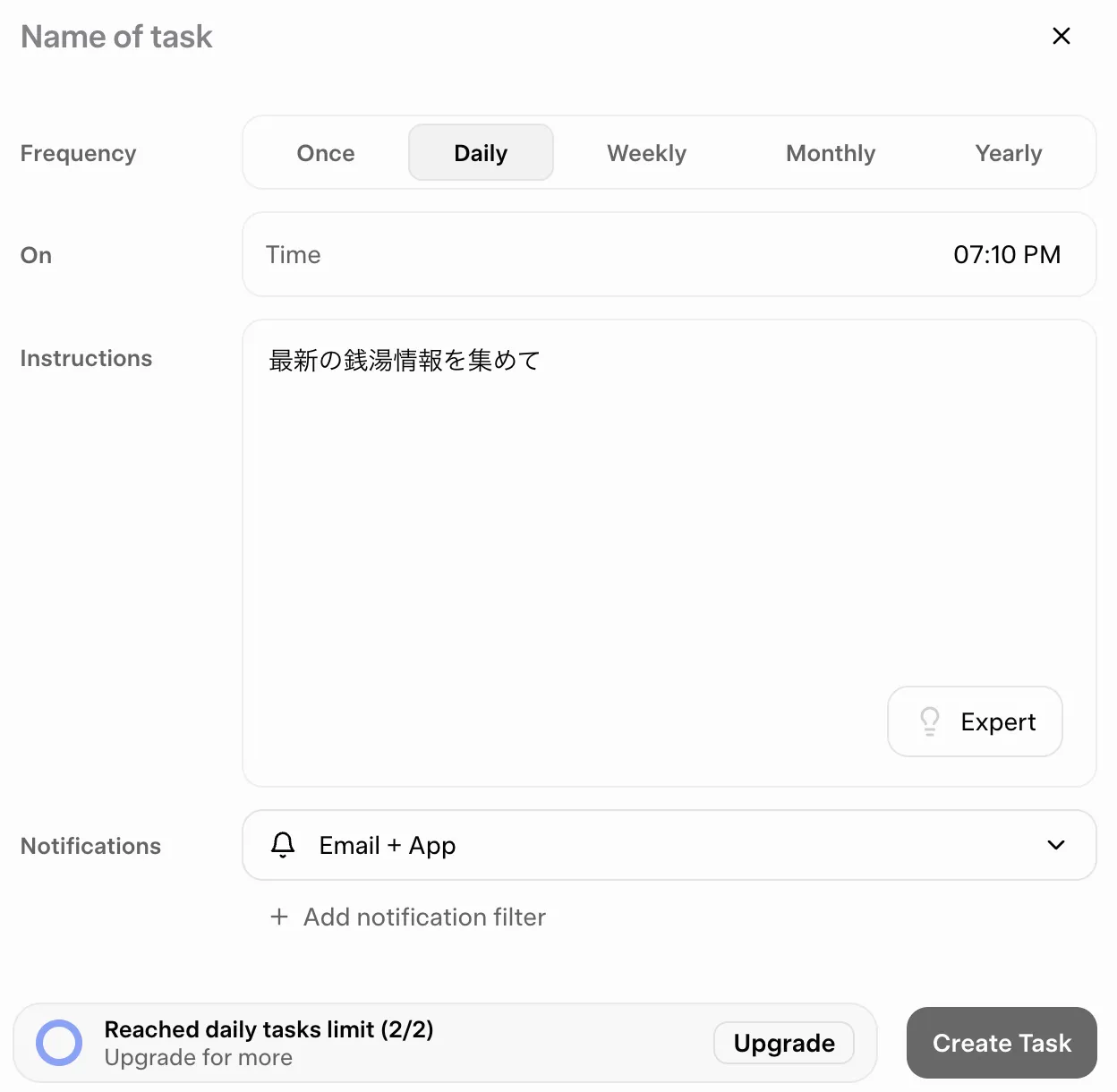
A favorite is Grok Tasks:
You set a prompt once and pick a theme each day; it automatically gathers news or topics you want to dig into. Daily catch-up got a lot easier.
Gemini
When I’m on desktop rather than phone, I somehow use this one a lot… (no deep reason.)

NotebookLM
I throw YouTube links and such at it when I want a quick summary.
Quickly trying flash ideas
When I want to test an idea fast, I often use these. If I think “I want to build a little web app” on my phone, I can prototype on the go. Everything runs in the browser or an app — no environment setup.
Claude
Solid choice, though it still feels heavy on mobile for me…
Google AI Studio
For half-baked ideas I compare with Claude, turn it into a short plan, and drop that here.

Firebase
I build things in a similar “AI studio” style. This blog went from zero to live in about a day here, too.

Coding
I switch tools depending on the task, roughly in this order.
Cursor
What I use most right now. At the moment it feels the easiest to work in. I used to use Claude Code more, but I switched to Cursor because of limits and performance.

VS Code + Claude Code
I started here. Limits hit fast and it can feel a bit heavy, so lately Cursor is my default. Claude is improving, so I might go back someday.
Antigravity
A tool I picked up recently. Casual play doesn’t get near the limits, so I use it for small tasks or experiments. If a serious job starts bumping limits, I fall back to Cursor.
PR and code review
Qudo
I use it for code review. The free tier is generous — it’s been a help.
Image and video generation
I don’t use these constantly, but when I do it’s mostly:
Banana (Gemini image generation)
Sometimes for fun.

ComfyUI
When I want heavy customization or to run things locally.

Grok Imagine
Also for fun — mostly from my phone.
3D
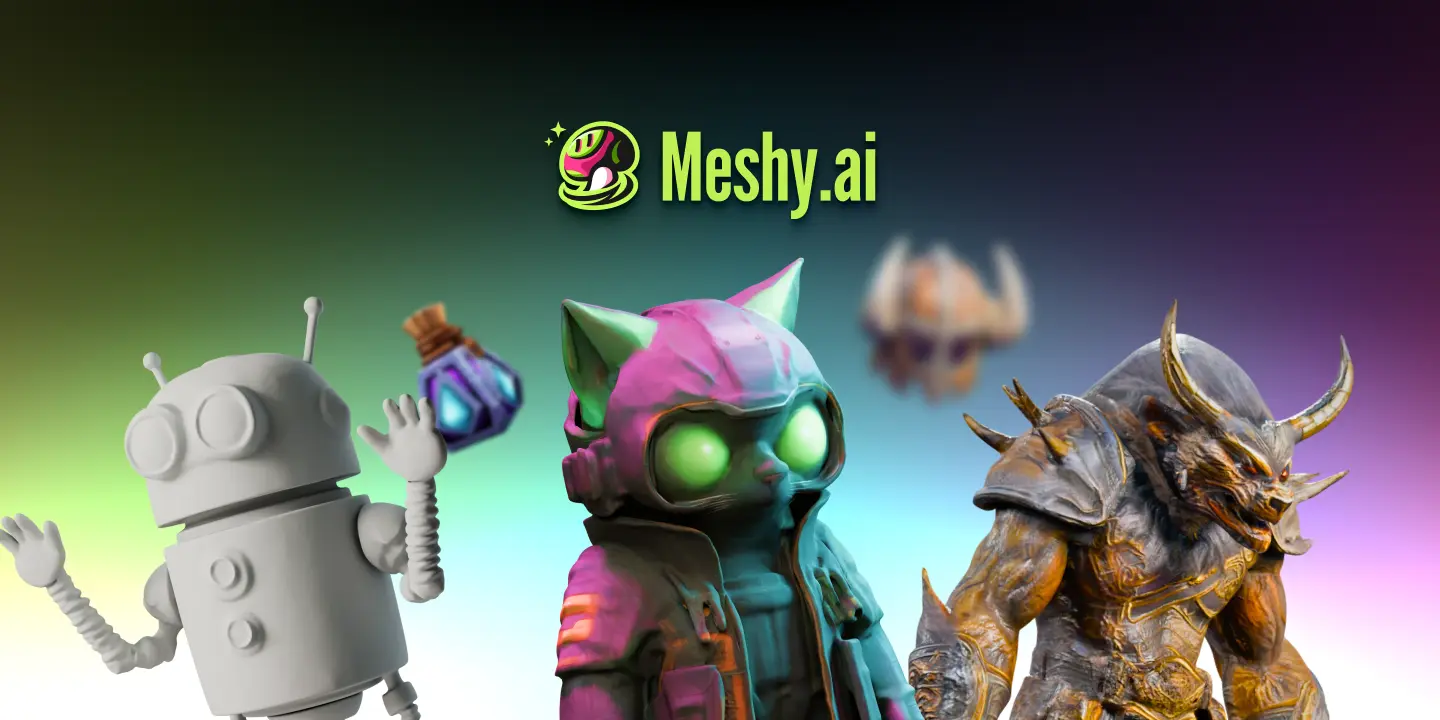
Meshy AI
Accuracy is hit or miss, but the free tier is enough to mess around when you just need a rough model.
ComfyUI
Personally this feels like a general hub you can stand up internally — images, video, audio, lots of workflows. Artists and engineers publish nodes you can drop into graphs, so it’s hard to ignore.
Closing
Thanks for reading. Most of this is usable for free, which feels like a wild time to be building. (There’s a huge electricity bill behind it all, of course.)
AI will always be AI; I plan to keep using it so I can focus on what actually matters.