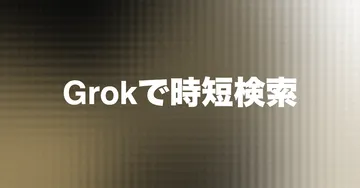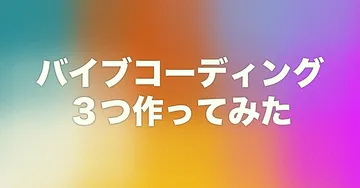
I built a mesh-gradient thumbnail maker for note and blog posts — text, color tweaks, and palette extraction from images, all in the browser.

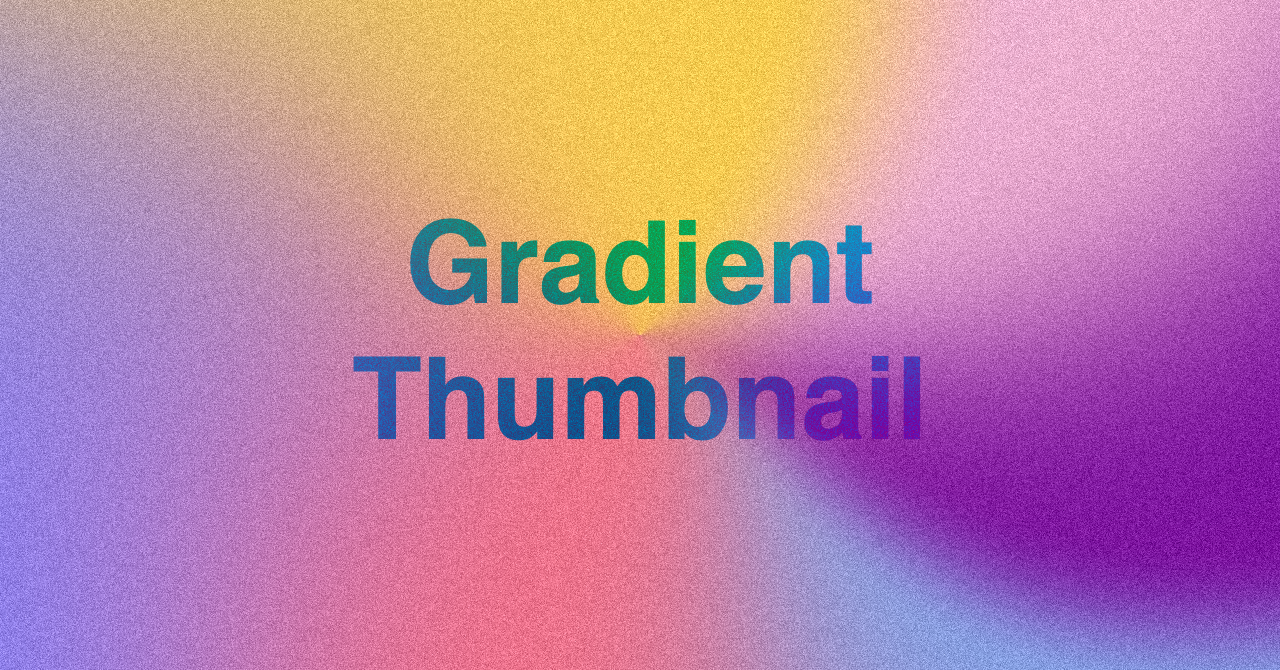
What is Gradient Thumbnail Maker?
Gradient Thumbnail Maker is a free web app for creating mesh-gradient thumbnail images in the browser.
I used to use Photo Gradient for gradients, then add text in Photoshop before posting to note.
Photo Gradient didn’t support text inline, so I built this as a single flow from gradient to typography. Photo Gradient also has a Figma plugin.

Features
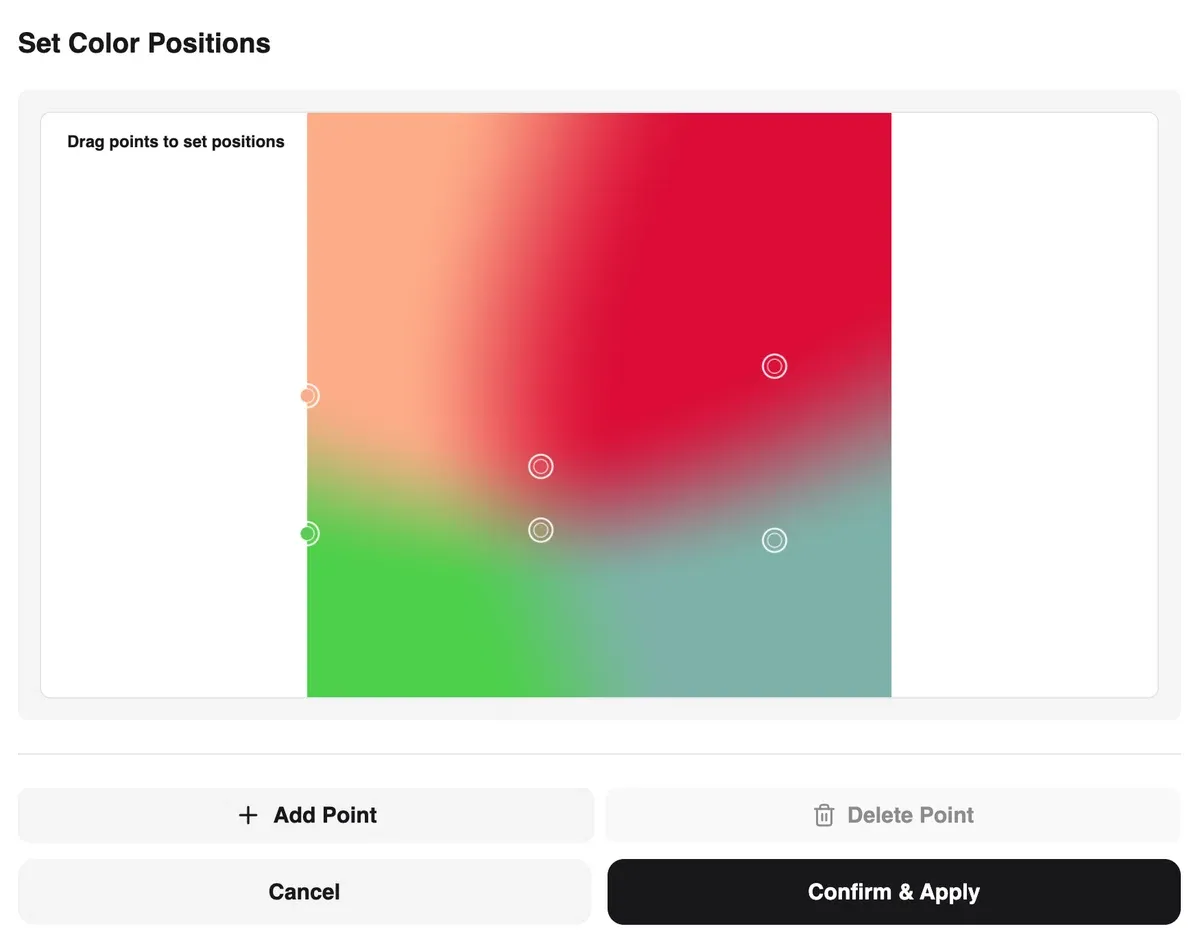
- Mesh gradients — drag control points and adjust colors
- Text — font, size, color, and layout on the thumbnail
- Resolution — presets including note’s recommended 1280×670, or custom sizes
- Noise — grain on top of the gradient
- Extract colors from images — palette from a reference image
- Randomize — “Colors” / “Positions” for one-click variation
- PNG export — download the finished image
How to use
Pick a resolution, move gradient points and colors, and you get a mesh gradient quickly.
Overview
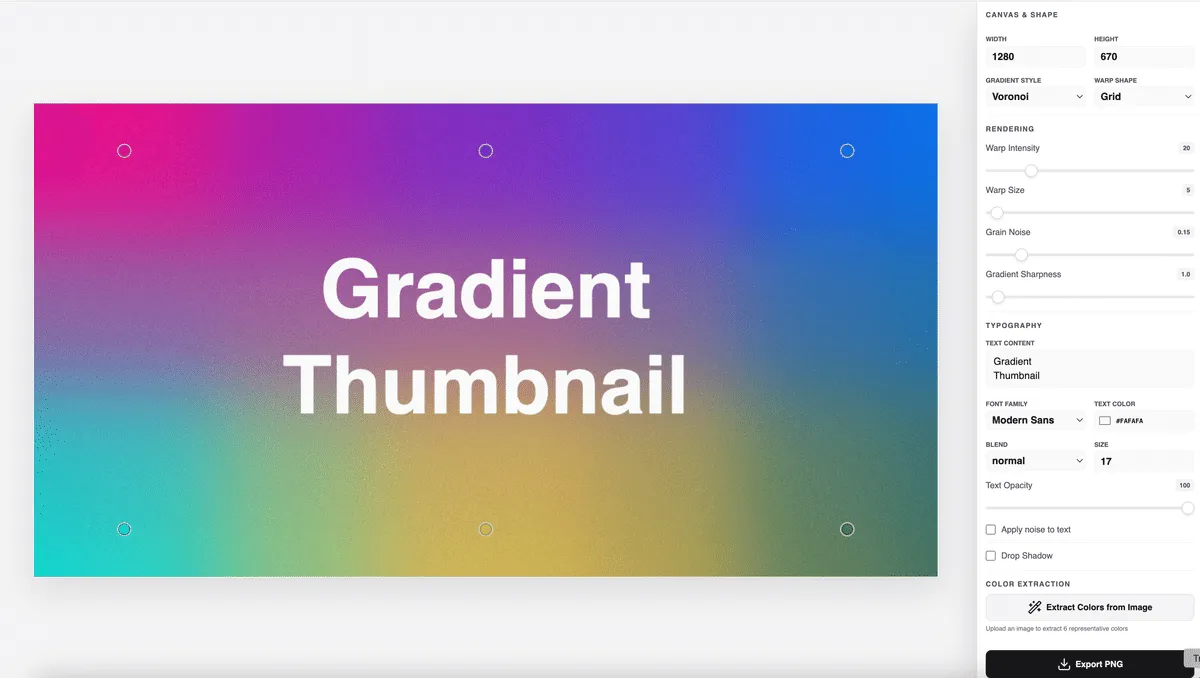
The preview sits in the center; panels around it control settings.
Resolution and noise
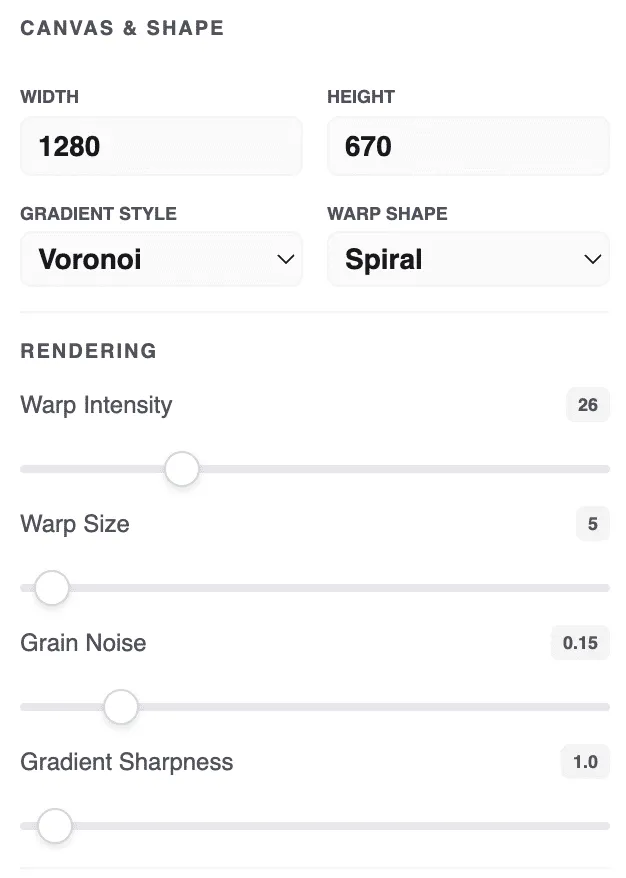
Set output size and optional noise texture here.
Text
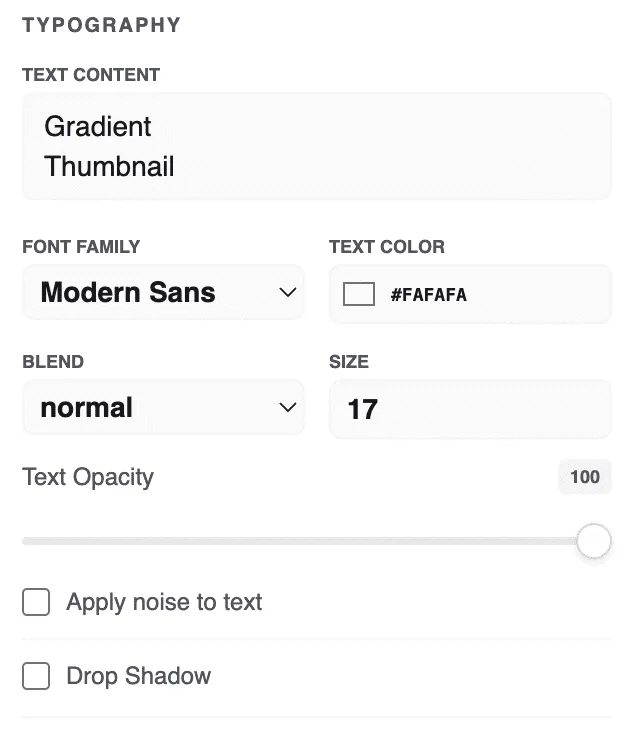
Add headline, font, color, size, and placement.
Colors
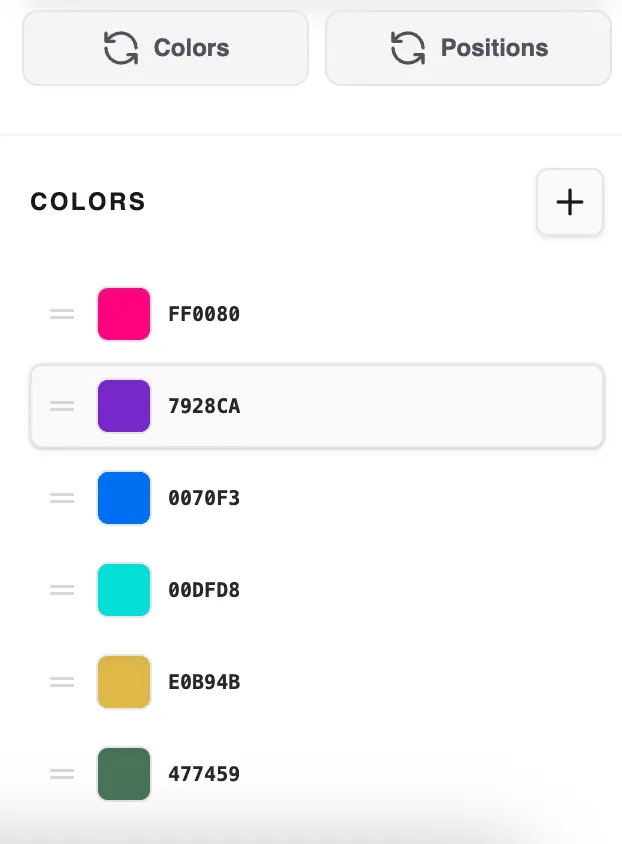
Fine-tune each control point. Colors randomizes colors; Positions randomizes point placement.
Extract from image
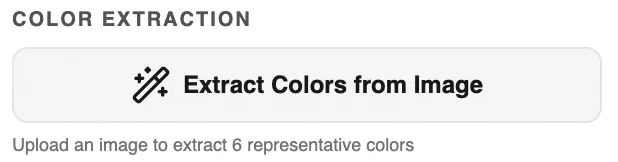
Upload a photo or illustration to pull a palette.
Choose how many colors and where to sample.
Export

Click Export PNG to download.
Closing
Gradient Thumbnail Maker is a free tool I made to speed up note and blog thumbnails without opening Photoshop.
It started as a personal utility, but anyone can use it — give it a try.