Cursor is finally available in JetBrains IDEs, including IntelliJ IDEA, through Agent Client Protocol (ACP).
It was announced on the Cursor blog on March 4, 2026.
When building apps across platforms, IntelliJ IDEA was still my favorite, but I couldn’t wire Cursor into it — so I kept both Cursor and IntelliJ open. With this integration, IntelliJ alone may be enough.
What you’ll learn
- How to set up Cursor ACP in IntelliJ
Supported IDEs
- IntelliJ IDEA
- PyCharm
- WebStorm
- Other JetBrains IDEs that support ACP
This post summarizes what I tried in IntelliJ only.
Setup (install and sign in)
- Open IntelliJ IDEA.
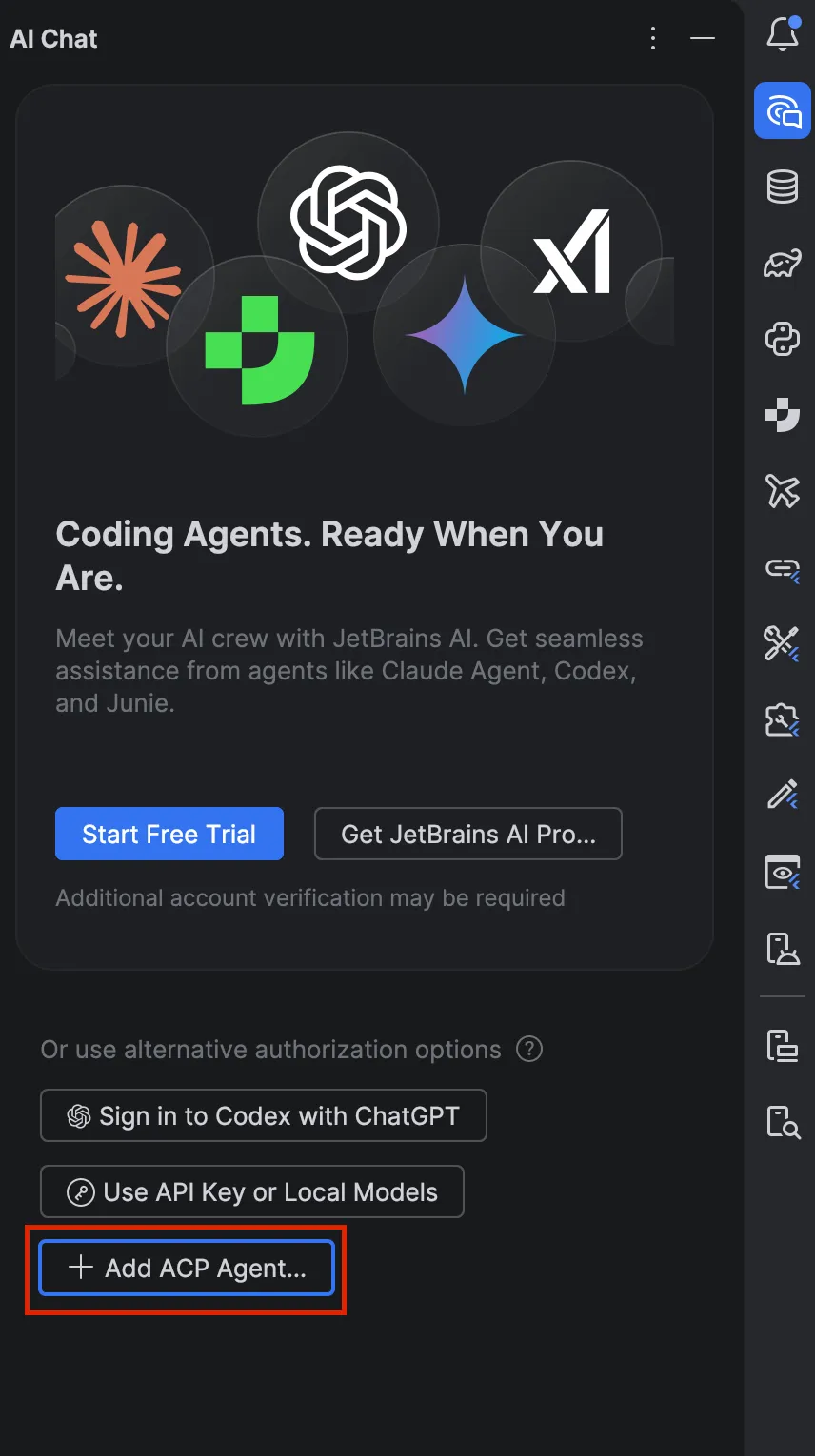
- For Cursor ACP settings: open the panel from Chat AI, then click Add ACP Agents (wording may vary slightly by build).
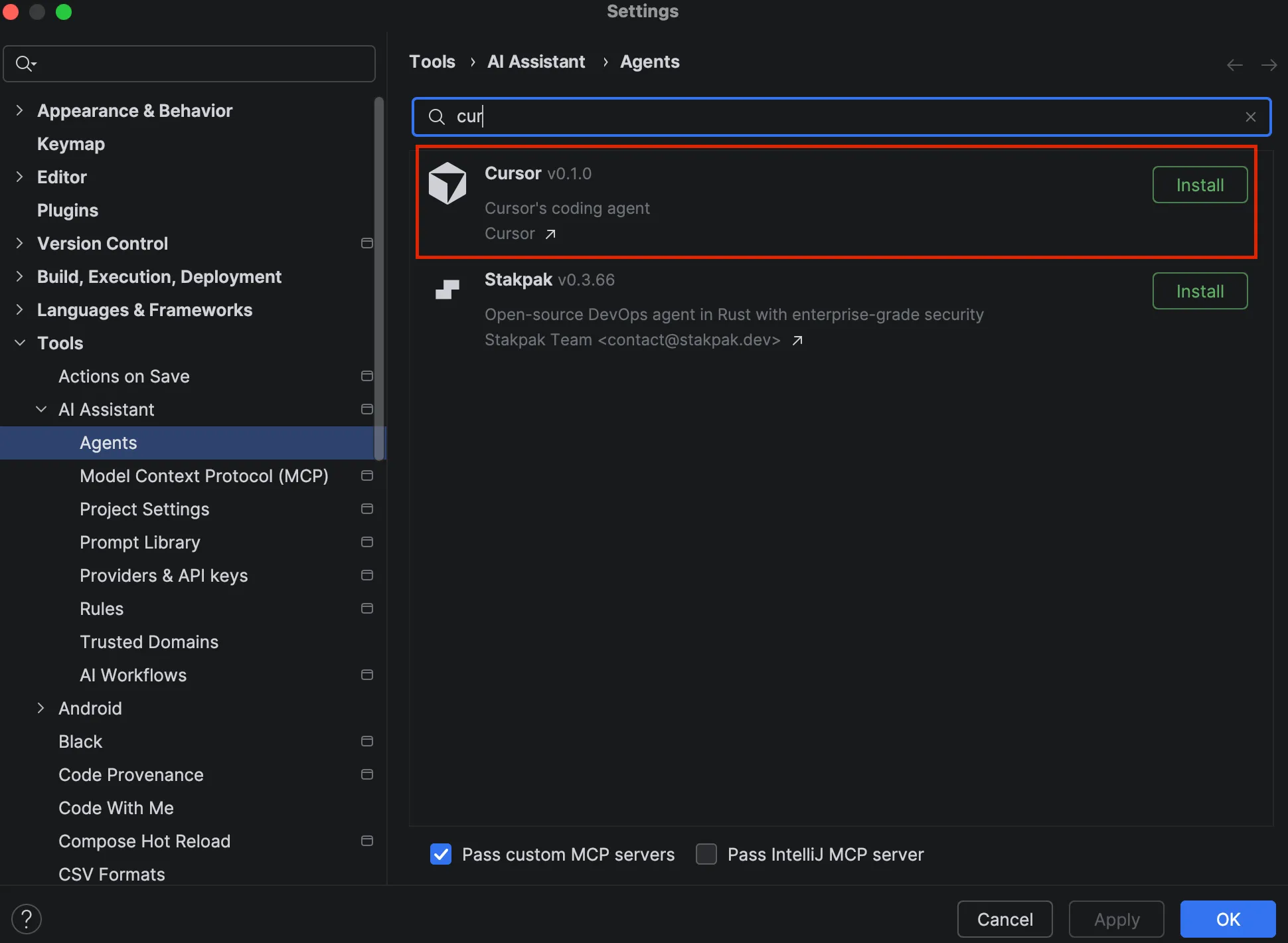
- Install Cursor ACP.
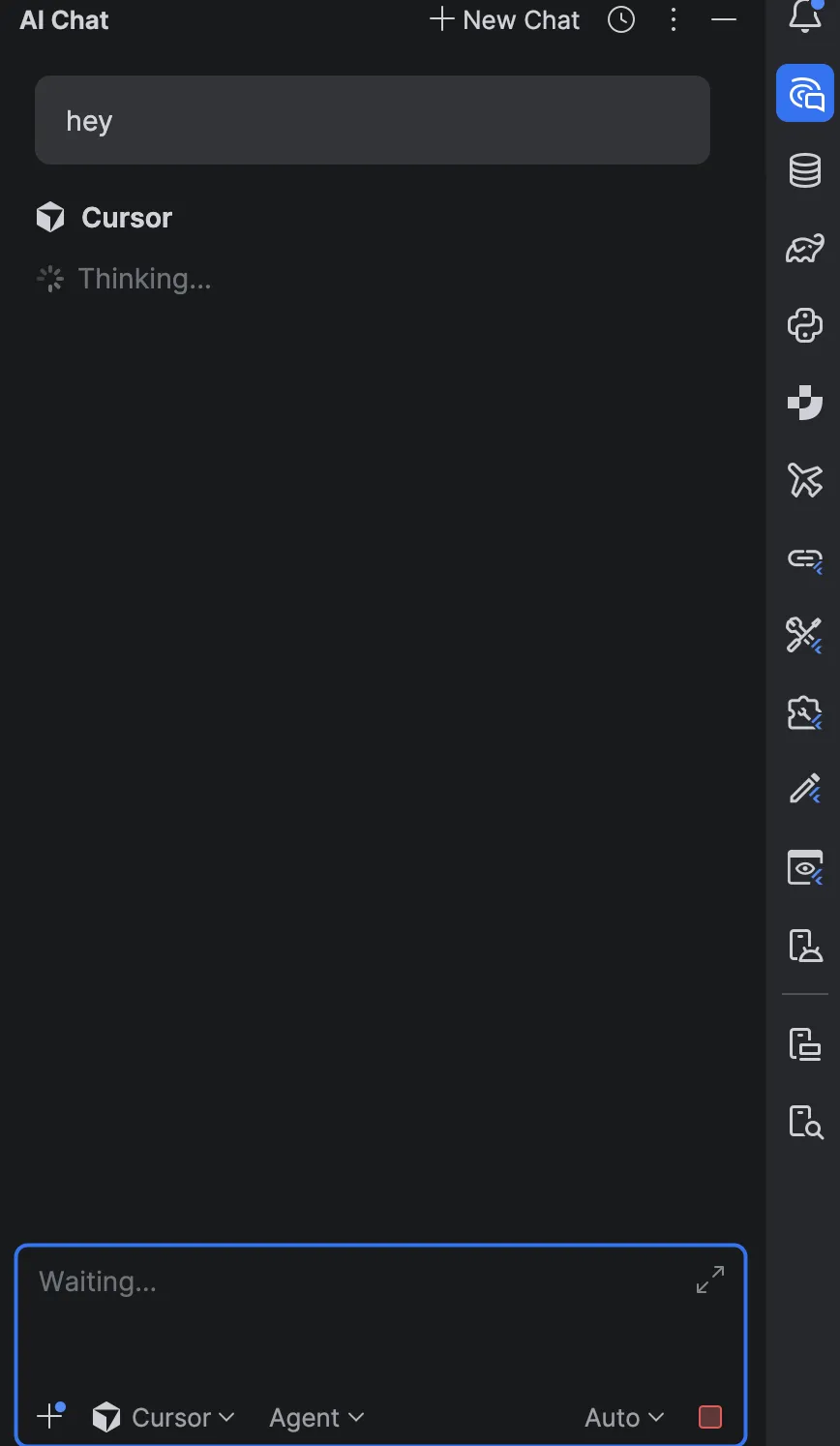
- After installation you should be able to chat as shown below (restart the IDE if it doesn’t work).
What tripped me up
My IntelliJ was 2025.3.1 and it didn’t work until I updated.
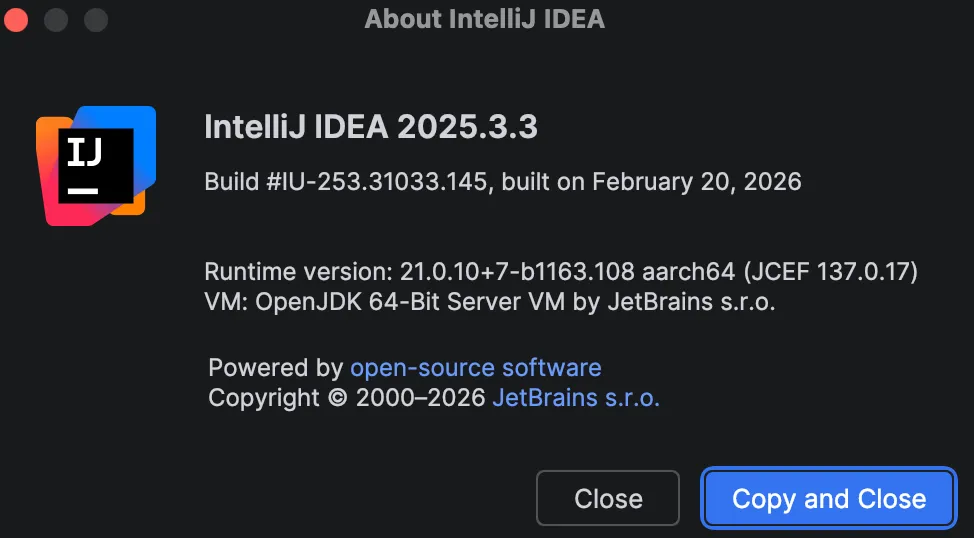
After updating to 2025.3.3, I could configure it from AI Chat without issues.
Links
Summary
If you use Cursor and JetBrains editors, this has been a long-requested integration. JetBrains plus Cursor should make for a smoother workflow.