I updated my portfolio recently.
While doing that, I also tested how much of a web page you can build with natural language alone, so I wanted to write it down.
Even if you do not know much about the web, I hope the process I went through is useful.
The finished site is here.

Why rebuild?
I had kept my portfolio on Adobe Portfolio for a long time, but…
After parting ways with Adobe, I kept thinking I should put a portfolio somewhere—and put it off for about a year.
In the meantime, outside of my day job, I spent about six months tinkering with websites.
That led me to think: maybe I can build my own portfolio with AI, and I decided to try it in two weeks (one week for design and mockups, one week for fixes and polish).
What I had on Adobe Portfolio was basically a résumé copied onto a page.
Since I was rebuilding anyway, I did not want a plain résumé site—I wanted animation and interaction.
Building it showed me how far you can get with natural language alone (just instructing the AI in chat) when interactions and motion are involved.
Did I use existing AI site builders?
Tools like Lovable and Framer AI exist, but I kept it simple: build from scratch locally and deploy.
What you’ll learn
- How I went from design to launch
- What was easy to drive with natural language
- Where natural language stops—and workarounds
Setup: tools and timeline
- Editor / agent: Cursor Pro (subscription)
- Mostly for one-off visuals: Claude Pro (also on subscription)
- Timeline: 2 weeks total
- Week 1: design direction, page structure, mock-level look and motion
- Week 2: layout fixes, scroll/transition tweaks, build pipeline polish
I mostly used Claude for small visual-only repros, reviews, and image-based mock tests.
Cursor was what I used to assemble the full web page.
Framework and libraries
- UI base: React 19 + Vite 7
- Routing and static export: Vike (SSG via
vike-react) - Styling: Tailwind CSS 4 (
@tailwindcss/vite) - Animation and interaction
- anime.js v4 is the core—I picked it because I like the anime.js homepage.
- Motion (
motion/react) fills gaps where anime.js is awkward, especially simple scroll-linked motion. - Three.js shows up in a few components for WebGL around the logo.
In short: anime.js for most motion, Motion for some scroll-linked bits, Three.js for the logo.
Two-week workflow (overview)
Week 1: design and mock
Visual exploration
First I nailed the top-of-page feel, then used Figma and Affinity to rough out the look.
I decided how the page should flow and how to present the portfolio.
In practice I only sketched the hero and how the scroll narrative would work.
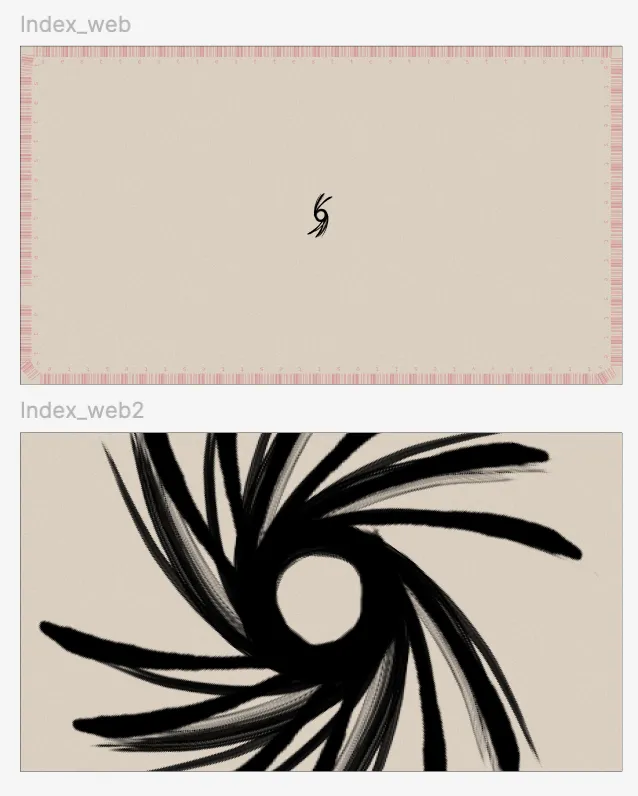
I made a rough hero, laid out the flow in Affinity, screenshotted it, and had Claude turn that into a plan.
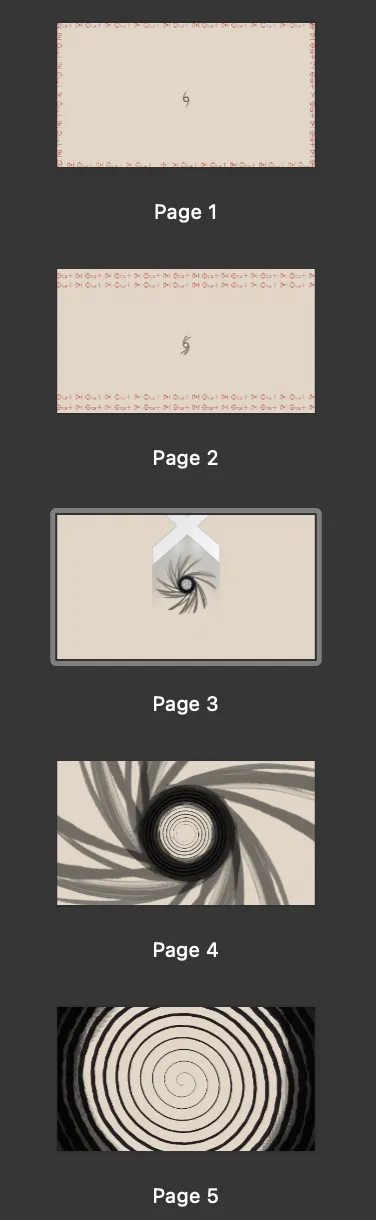
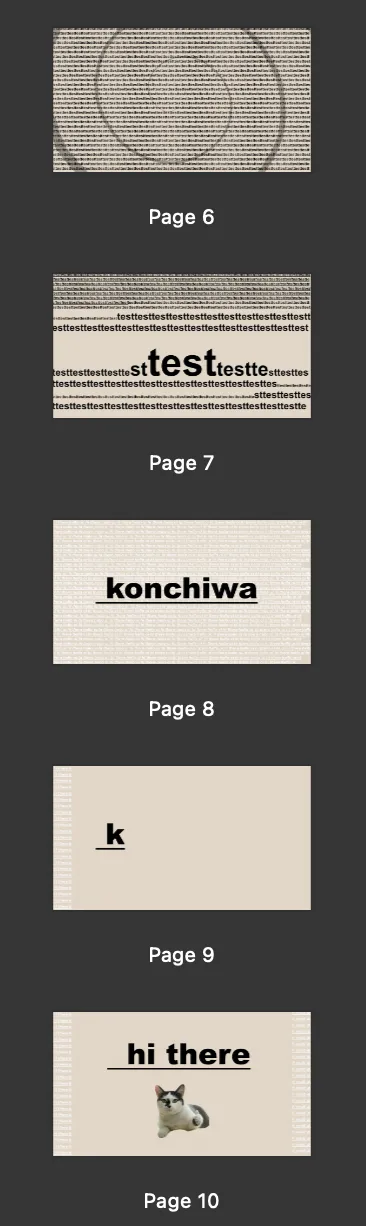
The shipped page looks almost nothing like these—lol.
I changed a lot while building, and kept animations that felt good while testing.
Mock build
I started with a prompt like:
Load images into Claude and build a modern one-page portfolio from the hero through the end.First I used Plan mode to set direction and colors, then had it build everything.
The first pass was underwhelming, but the frame was solid, so I iterated feature by feature in Claude.
For dev, I had it build components and separate pages, polished each to a “single-screen” level, then wired them into the production page.
- Hero shader (added leva for tuning)
- Scroll-linked typing animation (reusable component)
- English and Japanese
- Résumé download button
- Menu button
- Skill section cards
- About copy typing animation
- Work reel display animation
In practice I alternated between design work and assembling mocks in the codebase.
Week 2: fixes and polish
When I asked the AI to write anime.js or WebGL, I often got motion I did not want, or code that did not match how you would normally structure it.
So I summarized expectations in Skills and Rules—concrete constraints plus having it read official docs so it understood how things should be built. That helped.
Still, when my own knowledge was thin, I would feel something is off without knowing where.
It was my first real stretch with anime.js, and I later wished I had fed the docs in early so the AI did not lead me in circles.
Performance tuning
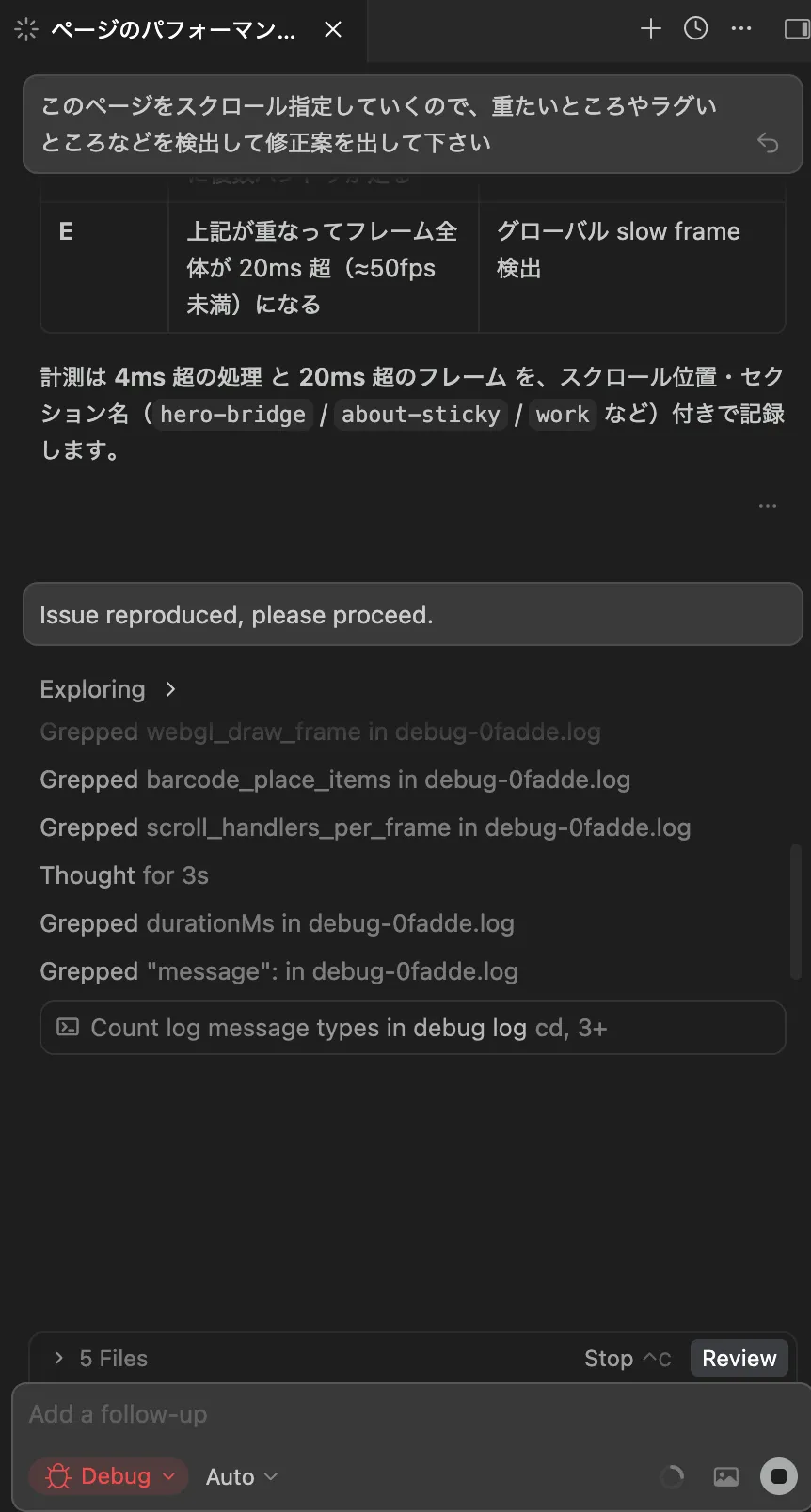
The site stuttered badly in the browser and was painfully heavy on phones, so I handed most of that to Claude.
I repeated review and optimization passes about three times—try it, prompt again, repeat.
When something bothered me, I also checked performance in devtools or used Cursor’s debug mode while moving the page and talking through fixes.
How far natural language took me
As the title says, I think about 90% was done with natural language. (Someone in the web industry might say what is this—fair.)
The only code I wrote by hand was where the AI clearly could not steer—fixing module usage it did not understand.
Result
Live site: https://testkun.net/
Summary
It really feels like an era where you barely write code yourself.
That said, you still need a lot of prior knowledge upfront—the more you sharpen that, the better the AI becomes as a partner.