One day on X, I came across something called ShaderGPT.
It was surprisingly free, generated nice shaders from natural language, and let you share results right away.
Honestly, it was fun.
Recently I started touching WebGL more, and I often want to quickly make a nice-looking visual and drop it into my work.
So this tool really clicked for me.
But after using it, I wanted more
ShaderGPT is great, but while using it I started wanting a few extra things:
- Tune generated parameters without editing code
- Go beyond 2D planes and control vertex-side / 3D behavior more directly
- Save and reuse results in a way that fits my portfolio workflow
My impression is that ShaderGPT is focused on the “interactive 2D playground” experience, and that is a real strength.
At the same time, I wanted something closer to “iterate, polish, and reuse my own looks,” so I built my own.
Here it is:
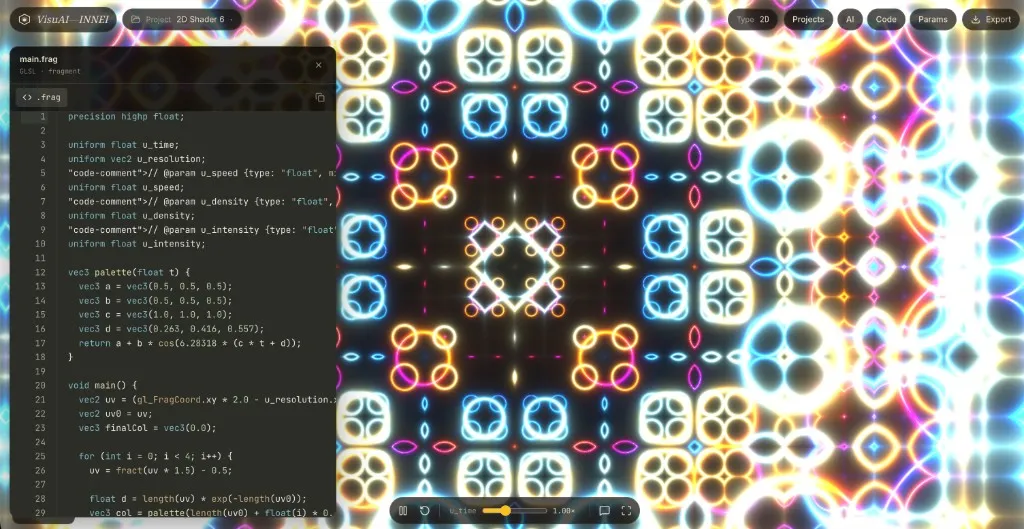
How I built it
Very roughly, the flow was:
- Make a quick mock in Google AI Studio
- Move it local and refine implementation with Cursor + Claude
- Shape most of the frontend in about one day
I originally wanted to go fully WebGL 2.0, but including vertex-side complexity in a vibe-coding flow got heavy fast.
So the current version is organized around WebGL 1.0 constraints.
What you can do in INNEI
1) Generate shader code with AI
Give text instructions and preview the result immediately.
You can also re-apply outputs from generation history.

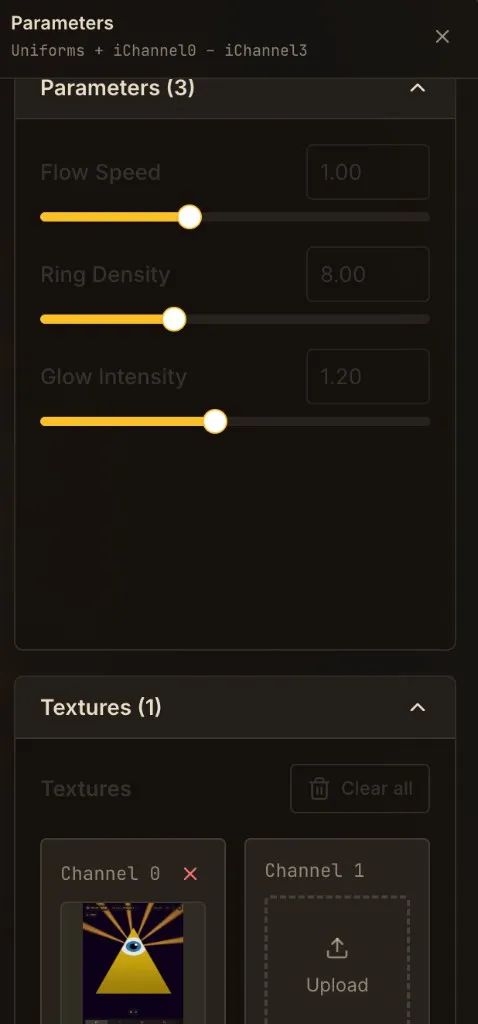
2) Tune parameters in real time
@param comments are parsed into sliders, so you can tweak speed, density, intensity, and more instantly.
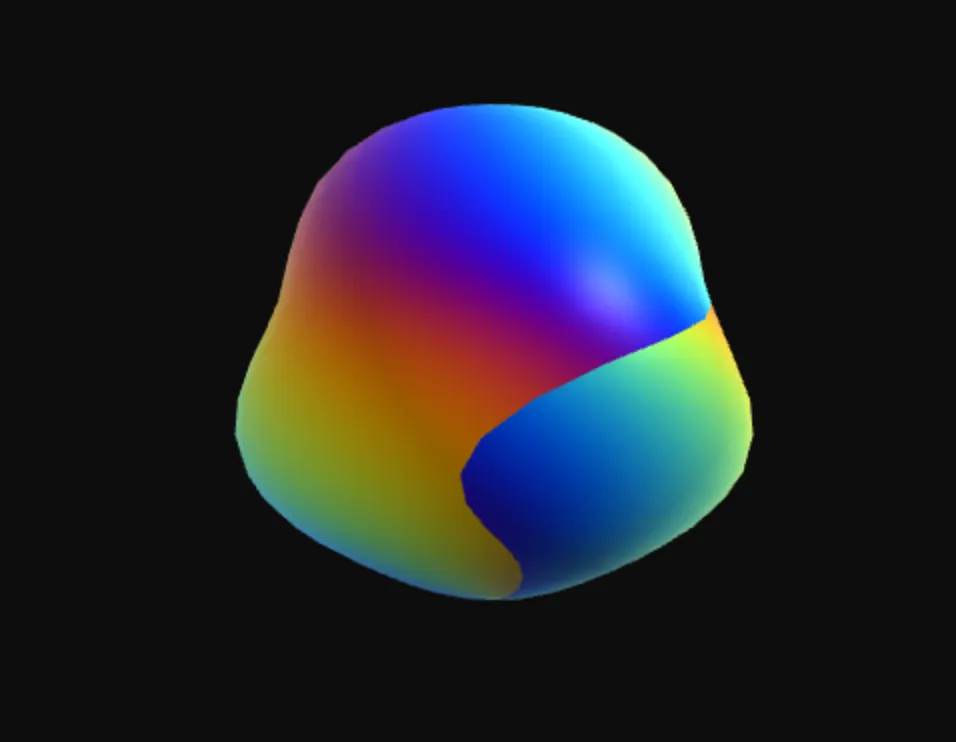
3) 3D shader support (OBJ for now)
You can manage separate 2D/3D projects, and current 3D support includes OBJ loading.
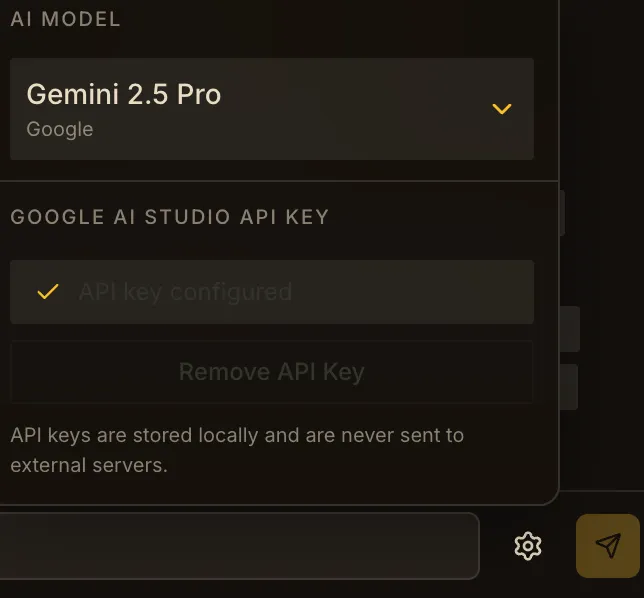
4) Use Google AI Studio API key locally
The API key is handled in the local browser context, so you can use your own key directly.
Model switching is also available from the UI.
5) Move through generation history / manage projects
You can go back and forth through generated shaders while managing 2D and 3D projects separately.
Quick look at the internals
At a high level, the architecture is split into four layers:
- UI management layer
- Handles 2D/3D switching, panel visibility, history, and settings persistence
- Rendering execution layer
- Handles WebGL uniform updates, texture binding, and 2D/3D drawing
- AI generation layer
- Handles model prompting, response validation, and generation flow control
- Utility logic layer
- Handles
@paramparsing, OBJ parsing, and model listing
- Handles
In code, the flow looks like this: generate -> render -> sync UI.
// Parse generated shader and reflect it in UI controls
const parsed = parseParamsFromShader(shaderCode);
setParameters(parsed);

// Update rendering uniforms every frame
gl.uniform1f(uTime, elapsedTime);
gl.uniform2f(uMouse, mouseX, mouseY);
The @param rule is simple too, so comments can directly drive UI controls.
// @param speed slider 0.1 0.0 3.0 0.1
// @param glow  slider 0.6 0.0 1.0 0.01
So overall, it is a clean combination of:
“AI generation route” + “parameter extraction” + “WebGL runtime” + “history/project management”.
Comparing ShaderGPT and INNEI with the same prompt
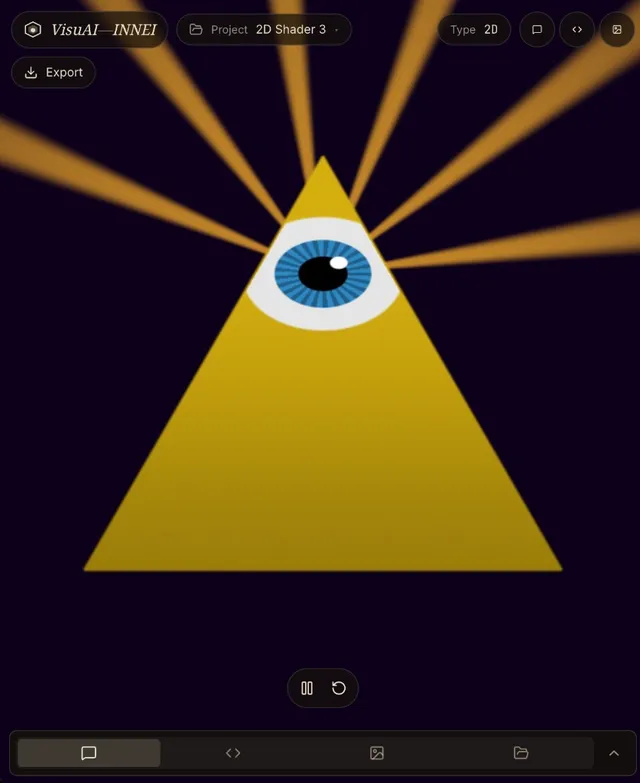
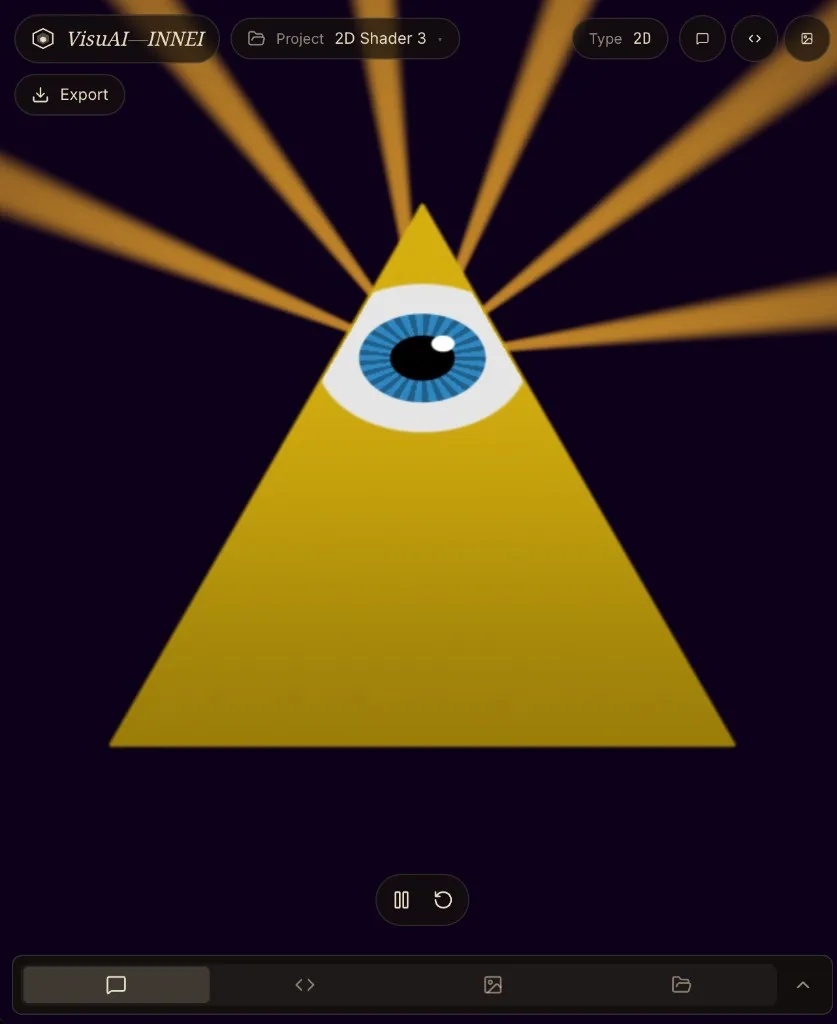
Using the same Gemini 2.5 Pro model and the same prompt (“Freemason eye”), ShaderGPT looked stronger at first glance.
You can feel the depth of its generation tuning.
VisuAI-INNEI side
ShaderGPT side

Closing thoughts
I started this project because I was inspired by ShaderGPT, but it ended up growing into a shader tool that fits my own creative workflow.
There is still a lot to improve, but if you like AI-assisted code generation and real-time parameter play, I think this is pretty fun.
It is kind of wild that we can build this so quickly now.
I hope shader artists, designers, and makers can use tools like this to get inspired and quickly turn ideas into visuals.