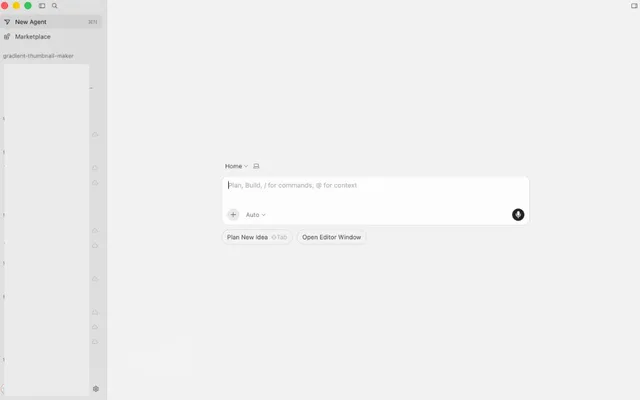
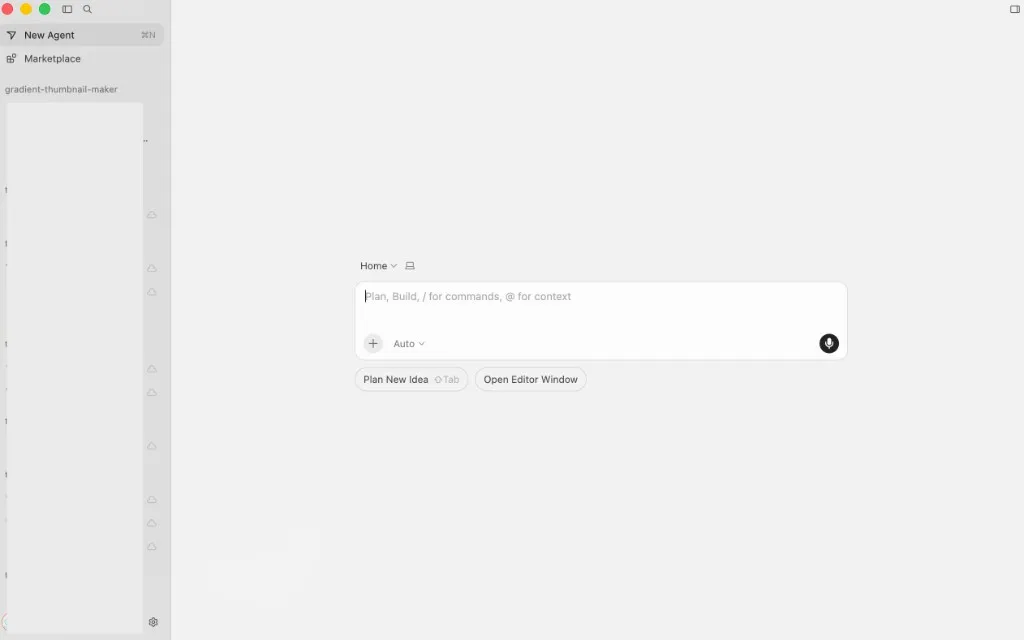
If you searched for cursor agent window, agents window, or how to open Agents Window, this is the Cursor 3 surface for running and reviewing agents without juggling editor tabs.
Below: how to open it on macOS, what official docs say (checked 2026-07-20), and what I actually tried versus features I only read about.
What Agents Window is
Agents Window is Cursor’s agent-first interface: a unified place to work with agents across repos and environments (local, cloud, remote SSH, and more). You can switch back to the classic editor anytime, or keep both open.
Official overview: Agents Window docs · launch note: Introducing Cursor 3 · Changelog 2026-04-02.
Features docs list as Agents Window–only
Per the Agents Window documentation (accessed 2026-07-20):
- Multi-workspace — agents across projects from one place
- New diffs view — review, commit, and manage PRs inside Cursor
- Parallel agents — cloud runs you can also drive from phone, web, Slack, GitHub, and Linear
- Local ↔ cloud handoff — move long tasks to cloud (and back) so work continues without your laptop
- Cloud subagents — e.g.
/in-cloudor/babysita PR on its own VM/branch - Worktrees — isolated Git checkouts per task
The same docs contrast it with the editor: Agents Window suits running/managing many agents; the editor suits classic IDE work (extensions, many files open). Cursor says it continues to support both.
Availability (official)
Agents Window shipped generally available with Cursor 3 on 2026-04-02. Docs note a two-week Enterprise Admin rollout window after launch; after that period, access is default for users. I did not re-test Enterprise admin controls myself.
The April 2 changelog also says cloud agents were removed from the Editor — cloud agent work lives in Agents Window / cloud surfaces instead.
How to open it (macOS)
On my MacBook, ⌥⌘N (Option+Cmd+N) opens Agents Window directly. That shortcut is not listed in the keyboard shortcuts reference or Agents Window docs as of 2026-07-20, but it works on my machine.
Official steps (docs) also work:
- Press ⌘⇧P (Cmd+Shift+P) for the command palette
- Run Open Agents Window
Other shortcuts from the same docs:
- ⌘⇧P → Open IDE — switch back to the classic editor
- ⌘P — search files without leaving Agents Window
- ⌘⇧F — search across all files
You can keep the classic editor open side by side. Cloud agents moved out of the inline editor flow into this window in the 2026-04-02 changelog.
Design Mode
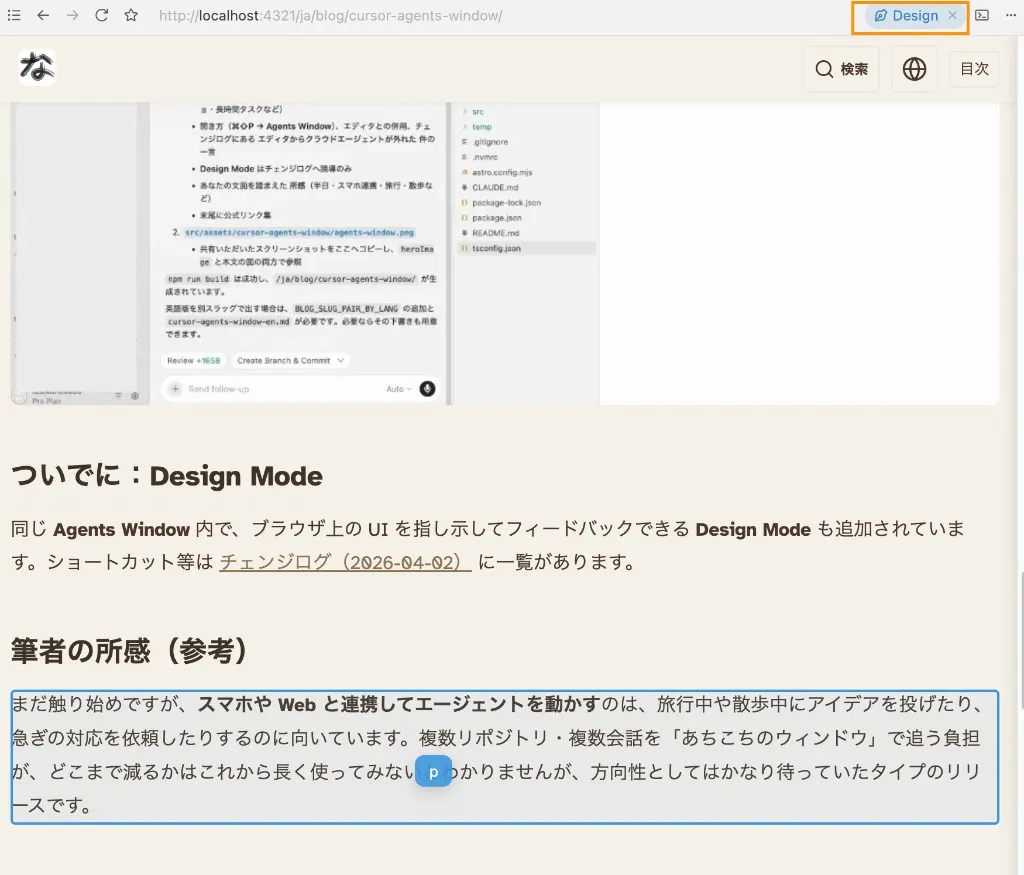
In Agents Window, Design Mode lets you annotate and target UI in the built-in browser instead of describing “that button on the left.”
From the changelog, these apply inside Agents Window’s built-in browser with Design Mode active (not the general editor shortcuts page):
- ⌘⇧D — toggle Design Mode
- Shift + drag — select an area
- ⌘L — add element to chat
- ⌥ + click — add element to input
I used this on a localhost blog preview to point at layout issues. That matched the “front-end feedback on a local site” use case well.
What I used vs what I only read
| Area | My use | Official / unread by me |
|---|---|---|
| Open / split with editor | Yes — ⌥⌘N or palette → Agents Window, editor beside it | Docs: Open Agents Window / Open IDE |
| Design Mode on localhost | Yes — blog preview annotations | Full shortcut set in changelog |
| Phone / web agent control | Useful when away from the desk | Listed with Slack, GitHub, Linear as parallel-agent surfaces |
| Multi-repo sidebar | Felt lighter than chasing separate chats | Multi-workspace in docs |
| Diffs → commit / PR | Light touch in my workflow | Docs emphasize this path |
/in-cloud, /babysit, worktrees | Not something I relied on day-to-day | Documented as Agents Window–only |
So: the window is real and useful for opening agents, Design Mode, and remote kickoff. I am not claiming deep production use of every Agents Window–only command.
Related: Why I use both Cursor and Claude Code
FAQ
How do I open Agents Window?
⌥⌘N (Option+Cmd+N) on my MacBook, or ⌘⇧P → Open Agents Window. See official docs.
Can I use it with the normal editor?
Yes — docs and the Cursor 3 post both say you can switch back or keep both open. Split layout (agent progress + code) worked for me.
Is this the same as Cursor for iOS?
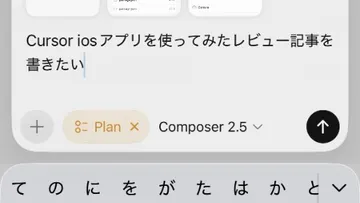
Mobile/web/Slack kick off cloud agents that can show up alongside local ones; that is related to Agents Window’s parallel-agent story, but the phone app is not the desktop Agents Window. See Cursor iOS app review.
What are the Design Mode shortcuts?
In Agents Window’s built-in browser with Design Mode on: ⌘⇧D to toggle, Shift + drag to select an area, ⌘L to add an element to chat, ⌥ + click to add to input. Source: changelog 2026-04-02.
References
Official sources accessed 2026-07-20:
- Agents Window documentation
- Introducing Cursor 3 (blog)
- Changelog: New Cursor Interface (2026-04-02)
More Mac & iOS dev notes: Errors & troubles I hit often on MacBook