I tried Grok Bot from the iOS app, so I’m leaving notes for anyone who hasn’t touched it yet or is just curious.
This Grok Bot is not the grok.com chat. You sign in with a Cursor (50% off for a limited time) account.
It’s also different from the Cursor iOS app I wrote about earlier—that one is for cloud agents on your repos; this one is about role-based bots and group chat.
It starts with creating a bot
On iOS you install from the App Store and sign in with the same Cursor account.
The characters are pretty cute, too.
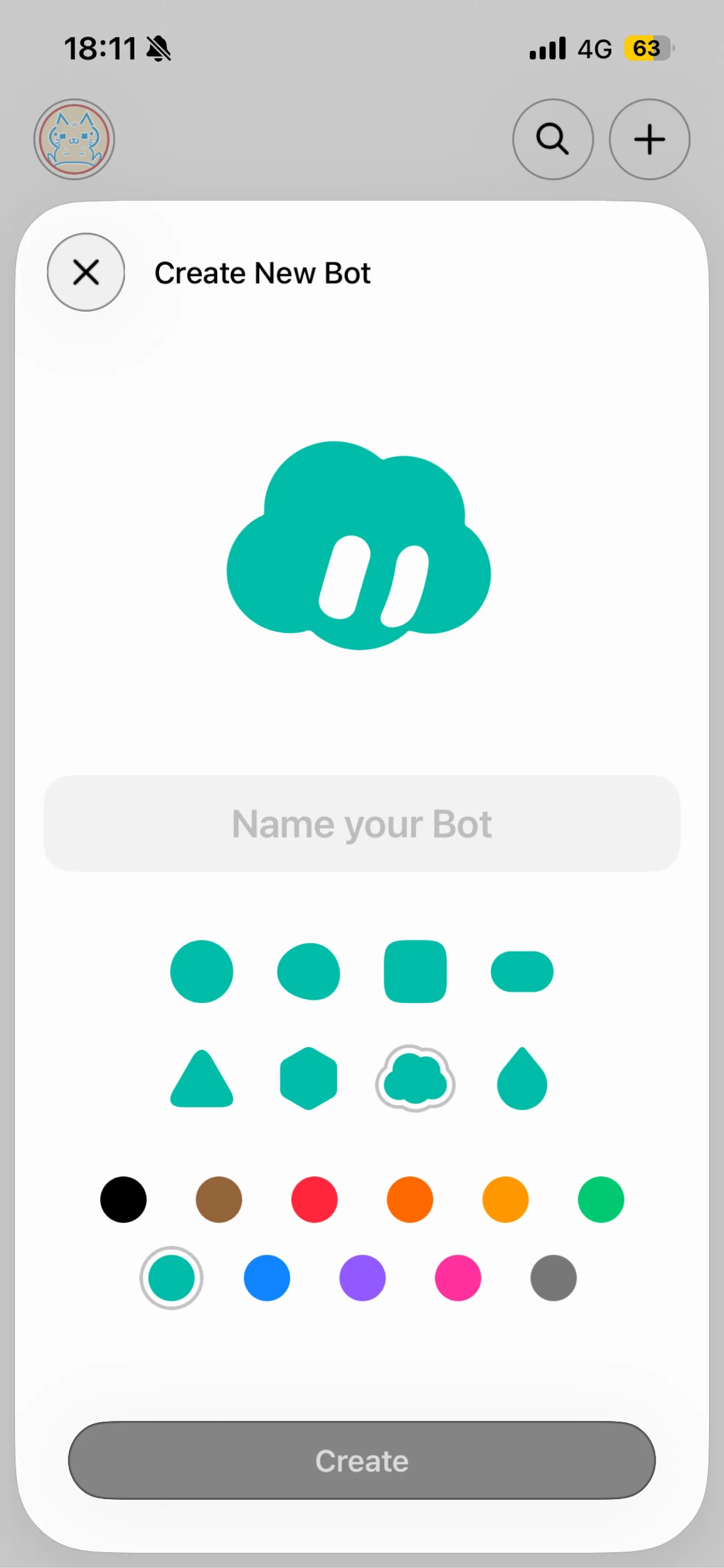
From + on the home screen you create a new bot: pick a name, shape, and color.
I went with a cloud-like shape, chose a color, hit Create.
That’s enough to get one bot.
Access comes with paid Cursor individual plans, Teams, or a SuperGrok link.
Plan details change over time, so check the official announcement.

Playing around first
I’ve been making chats and messing around.
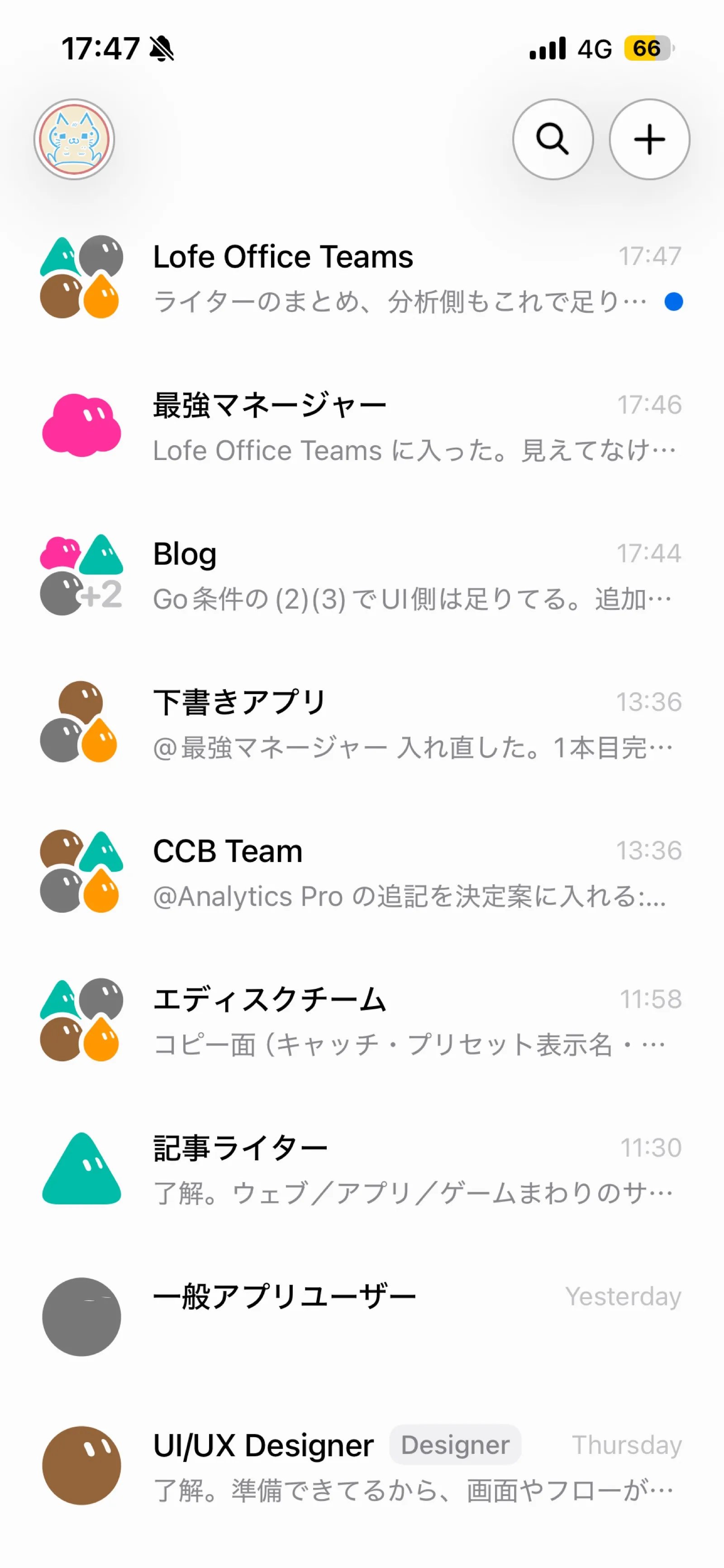
On the list I also had groups related to my own apps, LIFE OFFICE and Shitagaki.
There are good moments, and plenty of “this just doesn’t work” moments too.
Accuracy can improve—that part is mostly on how you set things up.
If each bot could hold its own environment, a light code setup might already be enough on this alone.
Security-wise, though, maybe you wouldn’t hand that over after all.
Assign a role to each bot
I split bots by role.
Official docs also recommend focused bots over one catch-all helper.
I made a manager to coordinate bots, plus analyst, designer, and so on.
“最強マネージャー” (Strongest Manager) is set up as an assistant that thinks through direction with me and helps summarize.
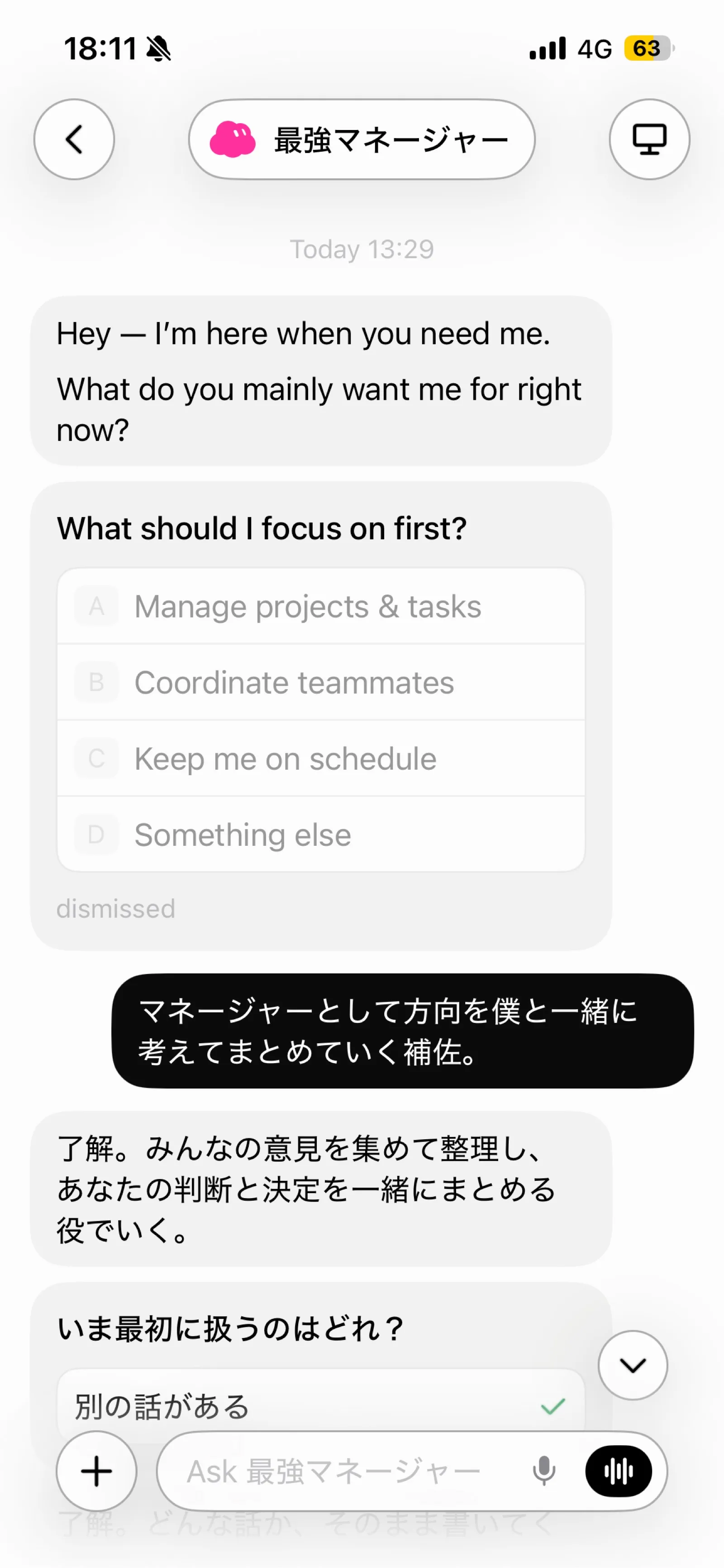
It sometimes opens in English, but once I reply in Japanese it follows along.
Group chat per project
Create a group chat, drop bots in, and chat about what you want done.
Each bot picks up from its role and keeps the conversation going.
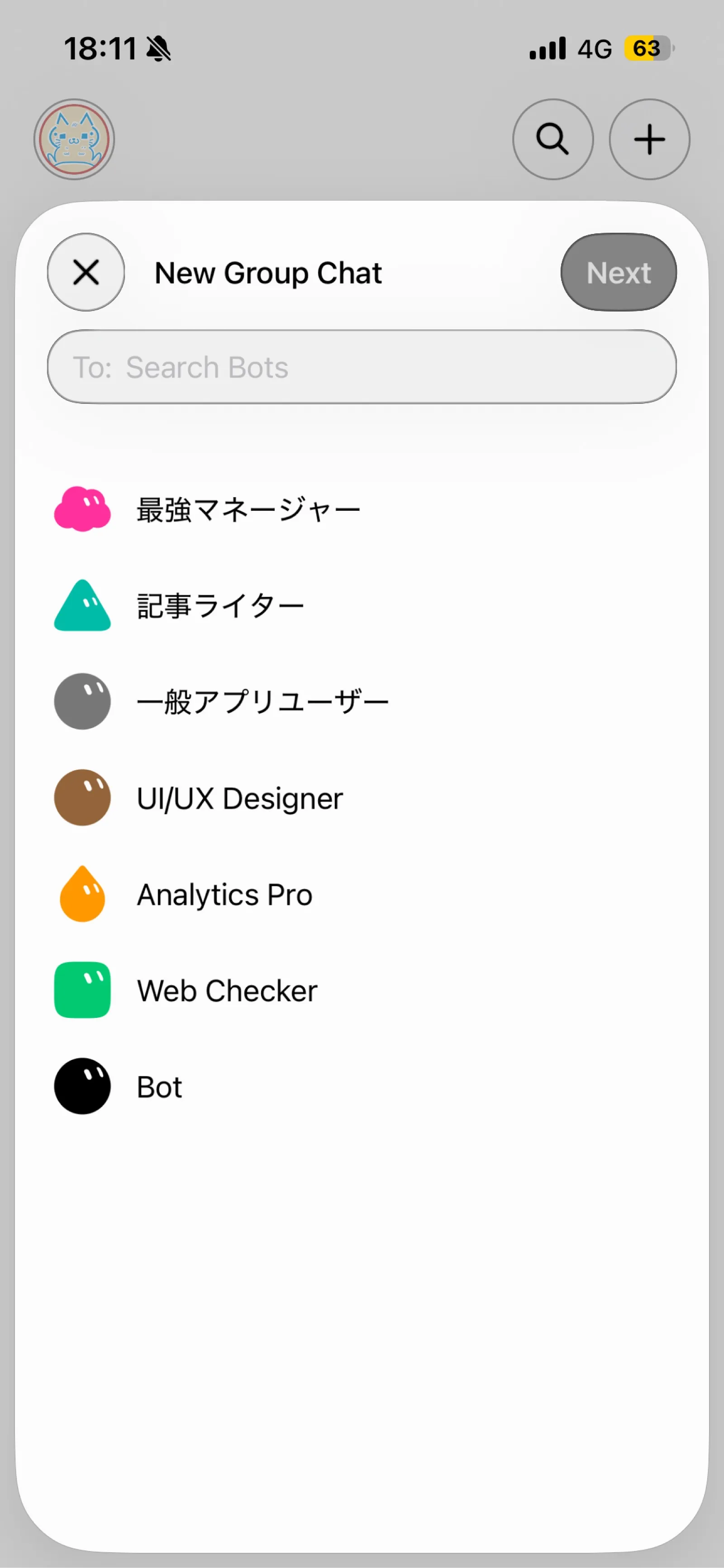
Honestly, it drifts off-topic pretty easily, so the early instructions you give still matter a lot.
If you leave it alone, it wanders into something else before you notice.
Takeaways so far
Splitting bots by role is easy to understand.
Putting them in a group and letting them talk is fun.
But both quality and drift feel heavily tied to how clear your first instructions and setup are.
If you haven’t tried it yet, creating one bot and giving it a role is the fastest start.
The iOS app is on the App Store; docs are here.
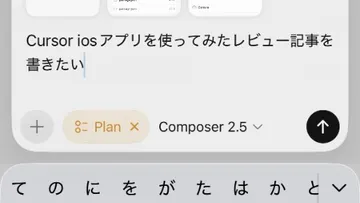
I drafted this post in Draft (Shitagaki) too — jot it on the phone, export a zip quickly, then pull it together and publish from the desktop later.
Related posts
- Cursor iOS app review: running cloud agents from your phone
- I Built and Shipped an iOS App Solo to Fix My Own Freelance Laziness — LIFE OFFICE
- I’m building Draft, an iOS app where you just talk while looking at photos — so I actually start writing
That’s it for now!