My App Store submission for “Shitagaki” crashed immediately on iOS 27, so I installed Xcode 27.
When I tried to open the simulator from Expo the way I always do, it told me the Simulator was missing.
At first I thought a reboot, open -a DeviceHub, or whatever the AI suggested — npx expo@latest — would fix it. On my SDK 55 project, none of those worked.
Under the hood it was either teaching the CLI to find Simulator.app’s successor, or bumping the Expo SDK.
I patched the CLI and ported UIScene, then upgraded to SDK 57 anyway.
TL;DR: Xcode 27 replaced Simulator.app with DeviceHub.app, and older @expo/cli versions can’t find it.
Upgrading to Expo SDK 57 is the fastest fix. If you can’t upgrade yet, patching the SDK 55 @expo/cli is enough to get it launching.
The error
CommandError: Can't determine id of Simulator app; the Simulator is most likely not installed on this machine. Run `sudo xcode-select -s /Applications/Xcode.app`Not “missing” — the CLI still looks for the old name
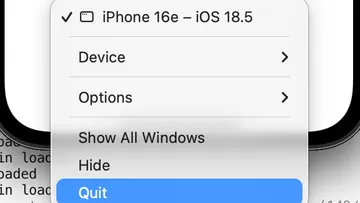
Starting with Xcode 27, the simulator UI app is DeviceHub.app, not Simulator.app.

On my Mac:
| Check | Result |
|---|---|
xcode-select -p | /Applications/Xcode.app/Contents/Developer (already correct) |
Simulator.app | Missing |
DeviceHub.app | Present at Xcode.app/Contents/Applications/DeviceHub.app |
osascript -e 'id of app "Simulator"' | Fails |
id of app "DeviceHub" | com.apple.dt.Devices after opening once |
Expo’s issues look about the same:

Upgrade to SDK 57 (what I ended up doing)
I first got unblocked on SDK 55 with a CLI patch and a Scene port, then bumped to SDK 57 anyway.
Expo recommends the upgrade, and it was simply easier.
Staying on SDK 55: patch local @expo/cli
Sometimes you cannot bump the SDK yet.
I started by patching only the project’s CLI on the Shitagaki app (and later moved to 57).
What I did:
- Detection — accept
DeviceHub(com.apple.dt.Devices) in addition toSimulator - Launch — if
open -a Simulatorfails, fall back toDeviceHub/devices://… - Pin — save the diff as
patches/@expo+cli+55.0.35.patchand runpatch-packagefrompostinstall
The idea matches Expo’s official SDK 57 CLI work in #46757.
After applying it, the usual command worked:
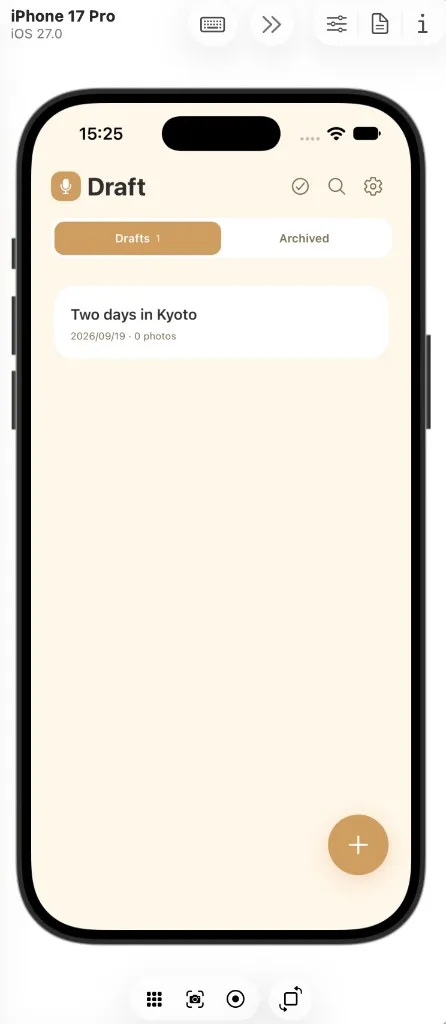
npm run iosThe CLI behaved normally, and once the simulator opened, the app came up inside Device Hub.
Wrap-up
Bumping the SDK is the fastest path.
If you need it working right now, a small local patch is enough to launch.
More Mac / Xcode notes:
Mac / Xcode troubleshooting hub
To ship an Expo app to TestFlight, see:
Expo × Xcode Cloud to TestFlight