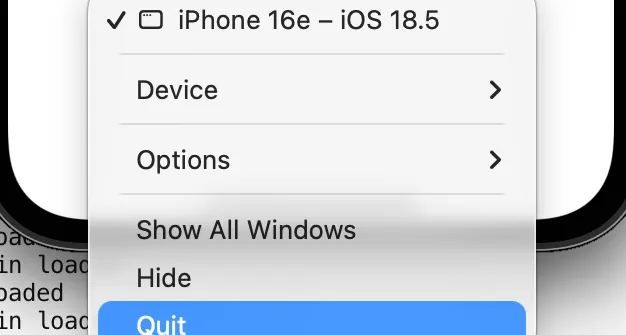
When I am running the iOS Simulator for Expo or similar work, I sometimes notice that I cannot shut down my MacBook properly.
The machine gets sluggish, or it is time to call it a day—and this tends to happen when iOS Simulator is open.
Quit from the Dock does not actually close it… (Apple, please).
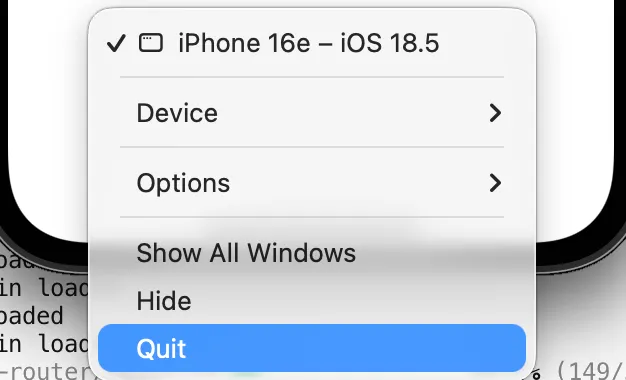
In those cases, you need ⌘Q or Simulator → Quit from the menu bar. A small, slightly silly discovery—writing it down in case it helps someone else.
What to do
1. Quit with ⌘Q
Bring Simulator to the front and press ⌘Q.
It can behave differently from Dock → Quit, so try this first.
2. Quit from the menu bar
With Simulator active, choose Simulator → Quit Simulator in the top-left menu bar.
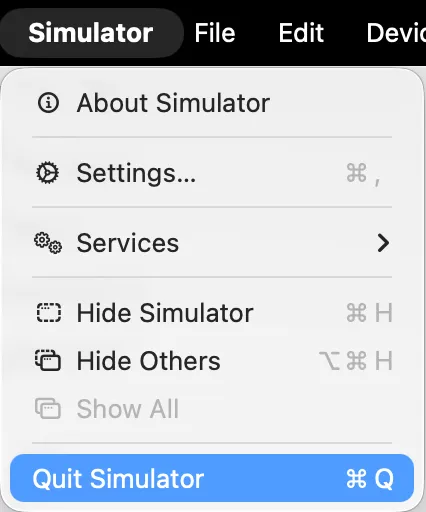
This feels more reliable than going through the Dock.
3. If that still does not work
Open Activity Monitor and check whether a Simulator process is still running. Force quit if needed.
For me, ⌘Q usually does the job.
Wrap-up
Try ⌘Q, Quit from the menu bar, or clearing it from Activity Monitor.
It is a minor thing, but I hope it saves someone the same headache.
That is all.