Do you ever feel eye strain after looking at your phone for a while?
I recently switched from iPhone SE (2nd gen) to iPhone 16e (Japanese review of the upgrade), and even at the same brightness slider level the screen often feels like whites are too harsh or everything is oddly bright.
I am not sure this is the main cause of my recent eye fatigue, but if you are in a similar boat, here is what I tried.
Apple’s official guide, Change color settings on iPhone, explains the options well.
This post is a short personal checklist of the screens I open most often.
What I am using
People often say “white balance” in conversation, but in iPhone settings it usually comes down to one or both of these:
- Reduce White Point: Caps how bright highlights can get, which softens harsh whites.
- Color Filters: Presets for grayscale or color vision, plus sliders such as Tint to shift the overall color cast.
Both live under Settings → Accessibility → Display & Text Size (labels vary slightly by iOS version; browse nearby sections if the wording differs).
When the iPhone screen feels too white and bright
Screenshots are in English because that is what my device shows.
-
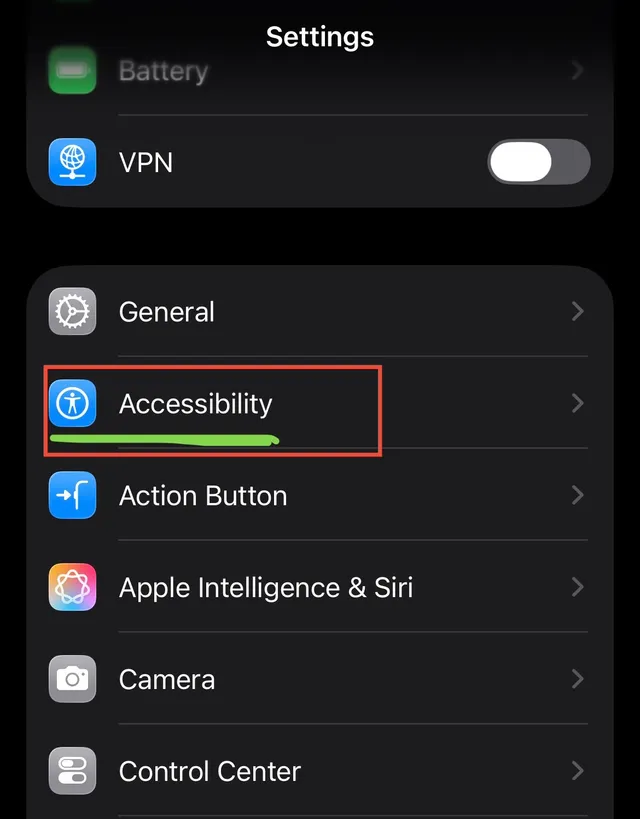
Open Settings.
-
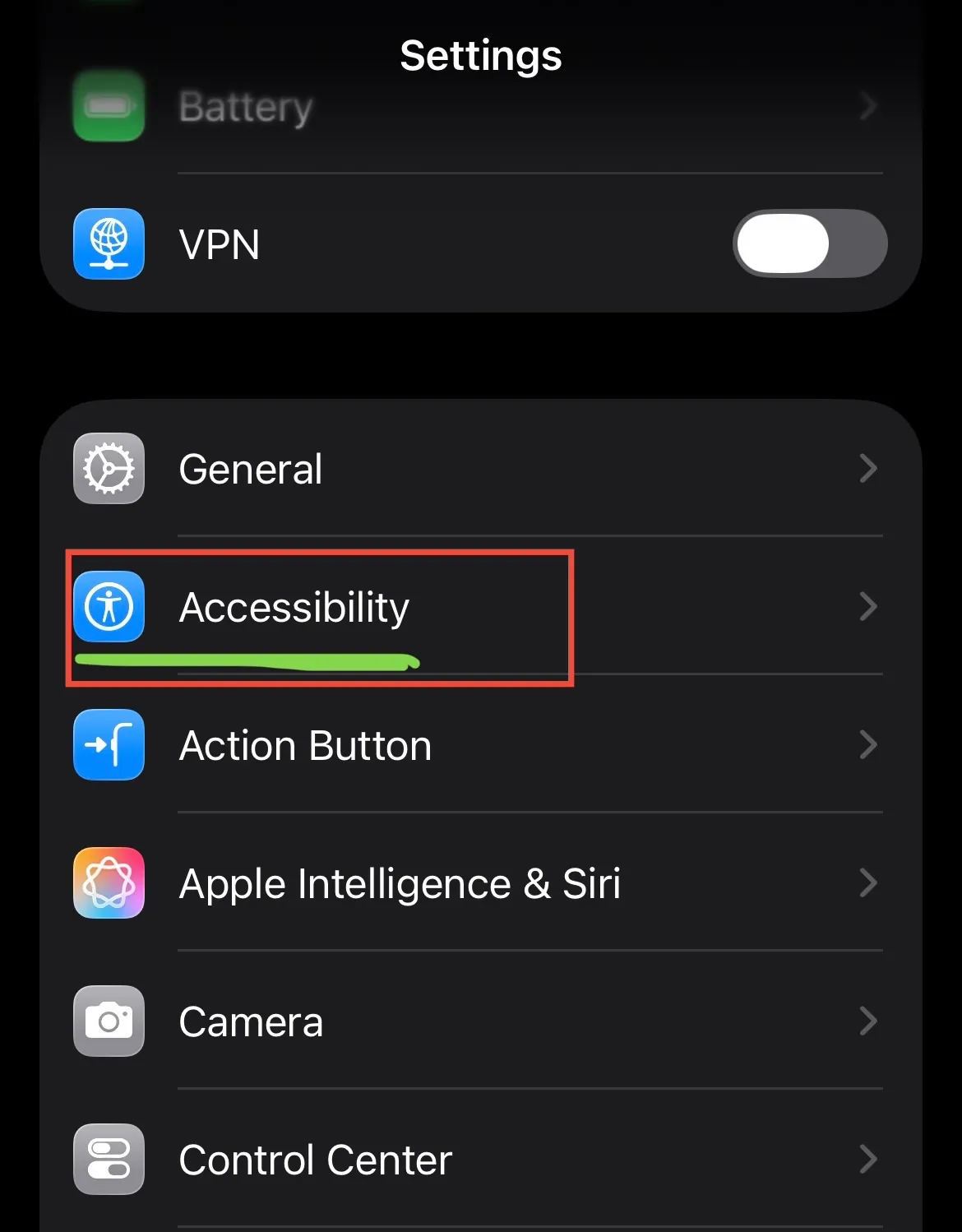
Open Accessibility.
-
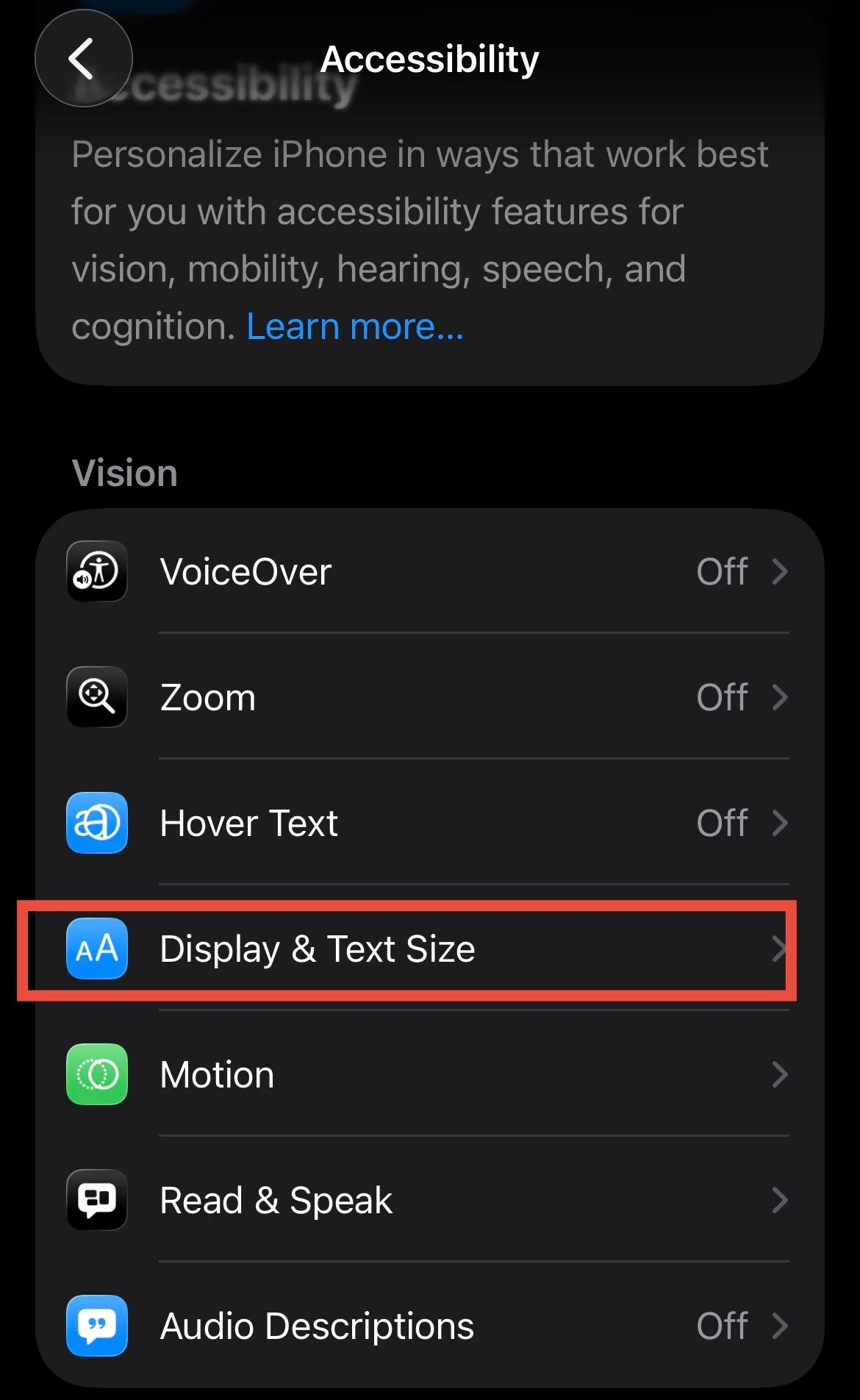
Open Display & Text Size.
-
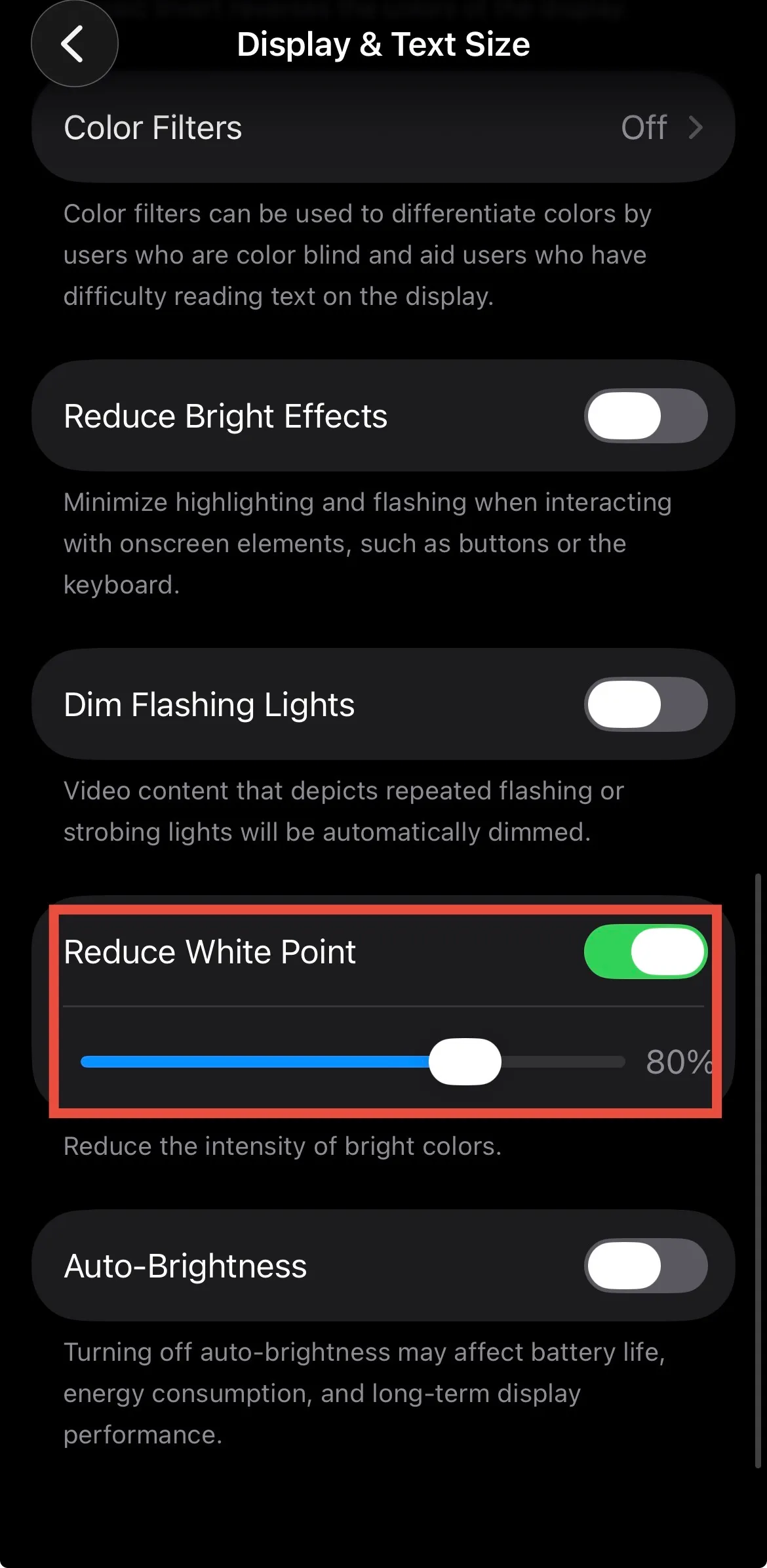
Turn on Reduce White Point first and adjust the slider.
For many people this is where “bright white backgrounds sting” changes the most.
-
If the color still feels off, turn on Color Filters and tune the preset and sliders (brightness, hue, etc., depending on what iOS shows).
Photos and video will look different, so on days when you care about color accuracy you may want to turn filters off.
This is separate from the brightness slider, True Tone, and Night Shift—useful when “just turn it down” is not enough.
How it felt in daily use
Jumping from a dim screen to a bright white page felt less jarring than before.
At the same time, pushing everything darker or warmer left a slight “is the screen too dim now?” feeling. That seems personal; I expect to keep nudging the sliders.
The biggest win was dark surroundings with bright UI on screen—in bed with a browser, or checking Maps at night. That pattern felt clearly different.
Outdoors, keeping brightness low made the screen hard to read, so I still end up cranking brightness back up anyway.
Summary
If a new phone feels harsh mainly because whites are strong, try Reduce White Point first, then Color Filters if you need more color tuning. That two-step combo changed how the screen felt for me.
On my end, I also put on a privacy (anti-peeping) screen filter after doing the settings above, and that helped a lot too—harsh whites felt softer, and side glances on the train bothered me less.

Eye strain varies by person. If it is painful, do not rely on display settings alone—see an eye care professional when you can.
That is all for now.