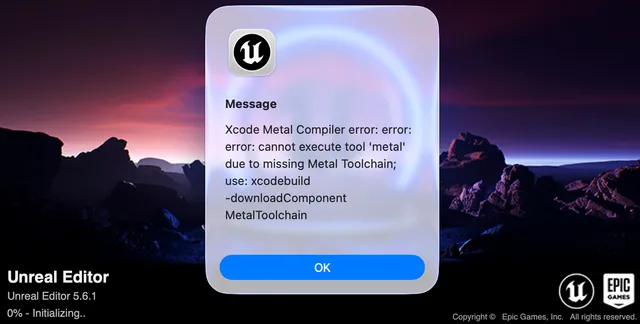
After a long break I tried to launch Unreal Engine 5.6.1 and Xcode showed Xcode Metal Compiler error — confusing at first.
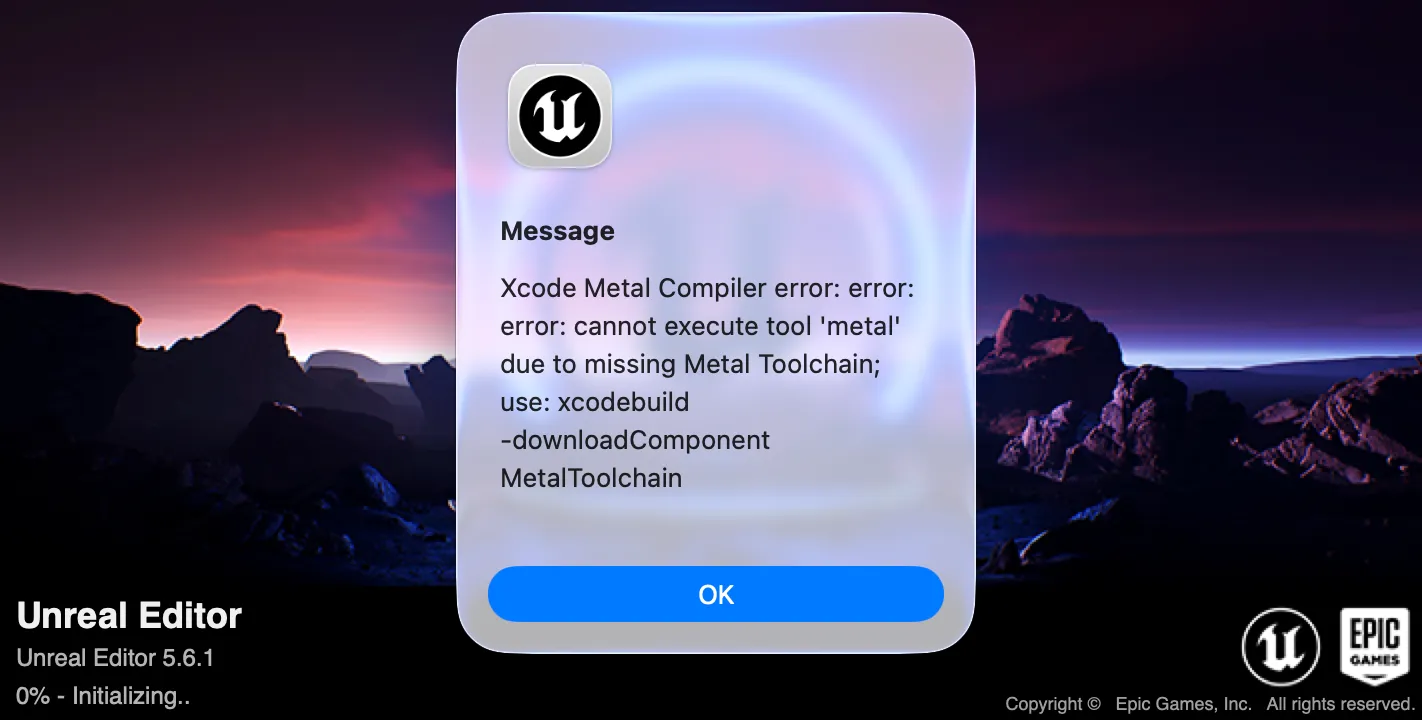
Xcode Metal Compiler error: error: error: cannot execute tool 'metal due to
missing Metal Toolchain; use: xcodebuild -downloadComponent MetalToolchain
This post walks through what fixed it for Mac UE5 development.
A helpful thread: Stack Overflow — MetalToolchain.
Why this happens
Starting with Xcode 16, Apple split the Metal Toolchain (the tools that compile .metal shaders) out of the main Xcode.app bundle to keep its download size down. It’s now downloaded separately, on demand, instead of shipping inside Xcode from the start.
UE5 compiles Metal shaders internally as part of the build, so if the Toolchain hasn’t been downloaded yet, the build stops with this error.
In other words, this isn’t really a UE5 bug — it’s UE5’s build process running into Apple’s newer, split-out distribution model for Xcode components.
Fix Xcode Metal Compiler error
Step 1: Download Metal Toolchain in Xcode
- Launch Xcode
- Xcode → Settings → Components (or Settings depending on version)
- Click Download Metal Toolchain 26.x.x (version matches your Xcode)
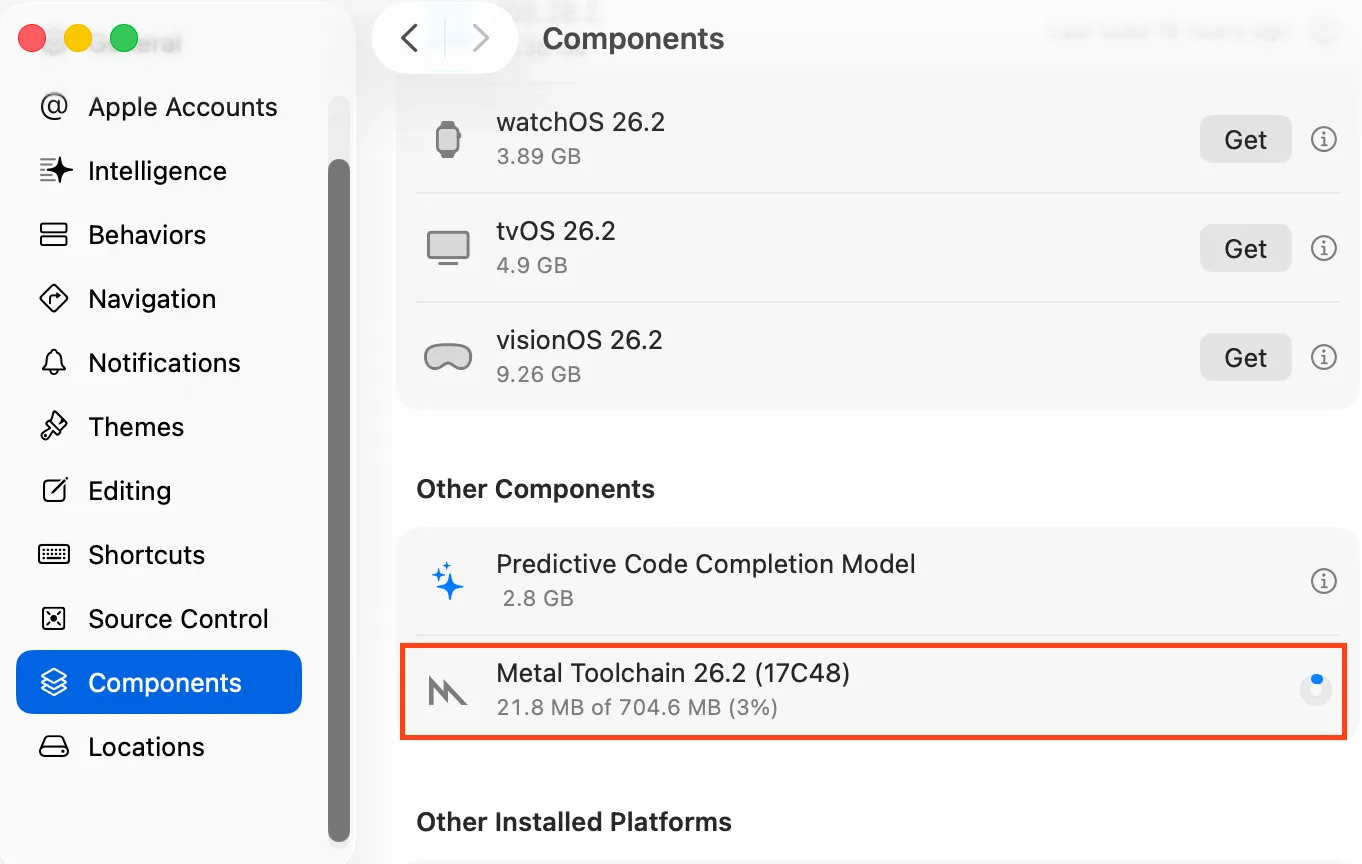
The exact 26.x.x number depends on your Xcode version.
Step 2: Wait for download to finish
When done, you should see a checkmark or completion indicator next to Metal Toolchain.
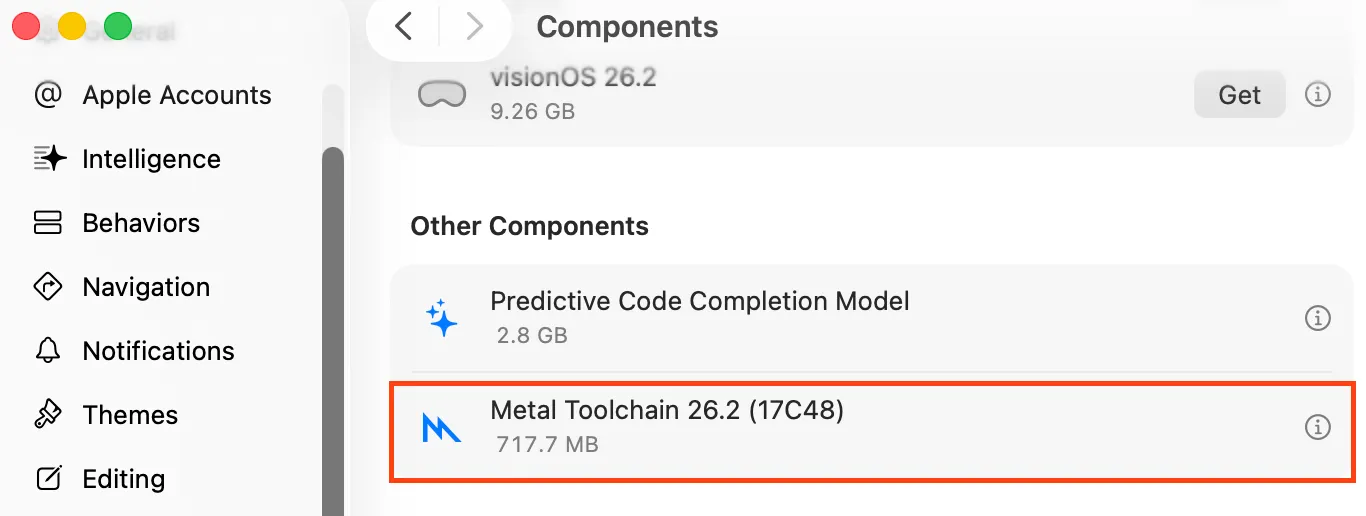
Step 3: Launch UE5 again
- Quit Xcode
- Start the Unreal Editor
- The Metal Compiler error should be gone
On my machine I didn’t need to reboot macOS or UE5 — closing Xcode and launching the editor from the Epic Launcher was enough.
If it still doesn’t work
- Run
xcodebuild -downloadComponent MetalToolchaindirectly from the terminal instead of the Settings UI - Check whether your Xcode version and command line tools (
xcode-select -p) actually match - On restricted networks (corporate, university), the download itself can stall — try a different network if it hangs
Links
- Mac / Xcode troubleshooting hub: errors I actually hit
- What “You have not agreed to the Xcode and Apple SDKs license” means when git runs
- Stack Overflow: Xcode 26 Metal compiler error MetalToolchain
- Hatena blog (similar write-up, in Japanese)